For the complete documentation index, see llms.txt
For the complete documentation index, see llms.txt
How To Enable PDF Delivery for Your Greenhouse Integration
If you already have Zinc connected to Greenhouse Recruiting, you can turn on PDF delivery by connecting **Harvest**, Greenhouse's data API. Once connected, your completed background check reports are delivered as PDFs directly into the candidate's profile in Greenhouse.
This is the same step new customers complete when they first set up the integration. If you're setting up Zinc and Greenhouse for the first time, see [How to Integrate Zinc Background Checks with Greenhouse Recruiting ATS](https://help.zincwork.com/article/bfd2bbfe-how-to-integrate-zinc-background-checks-with-greenhouse-recruiting-ats) instead, which includes this step already.
## Connecting Harvest
1. Sign in to Zinc and go to **Company settings > Integrations**.
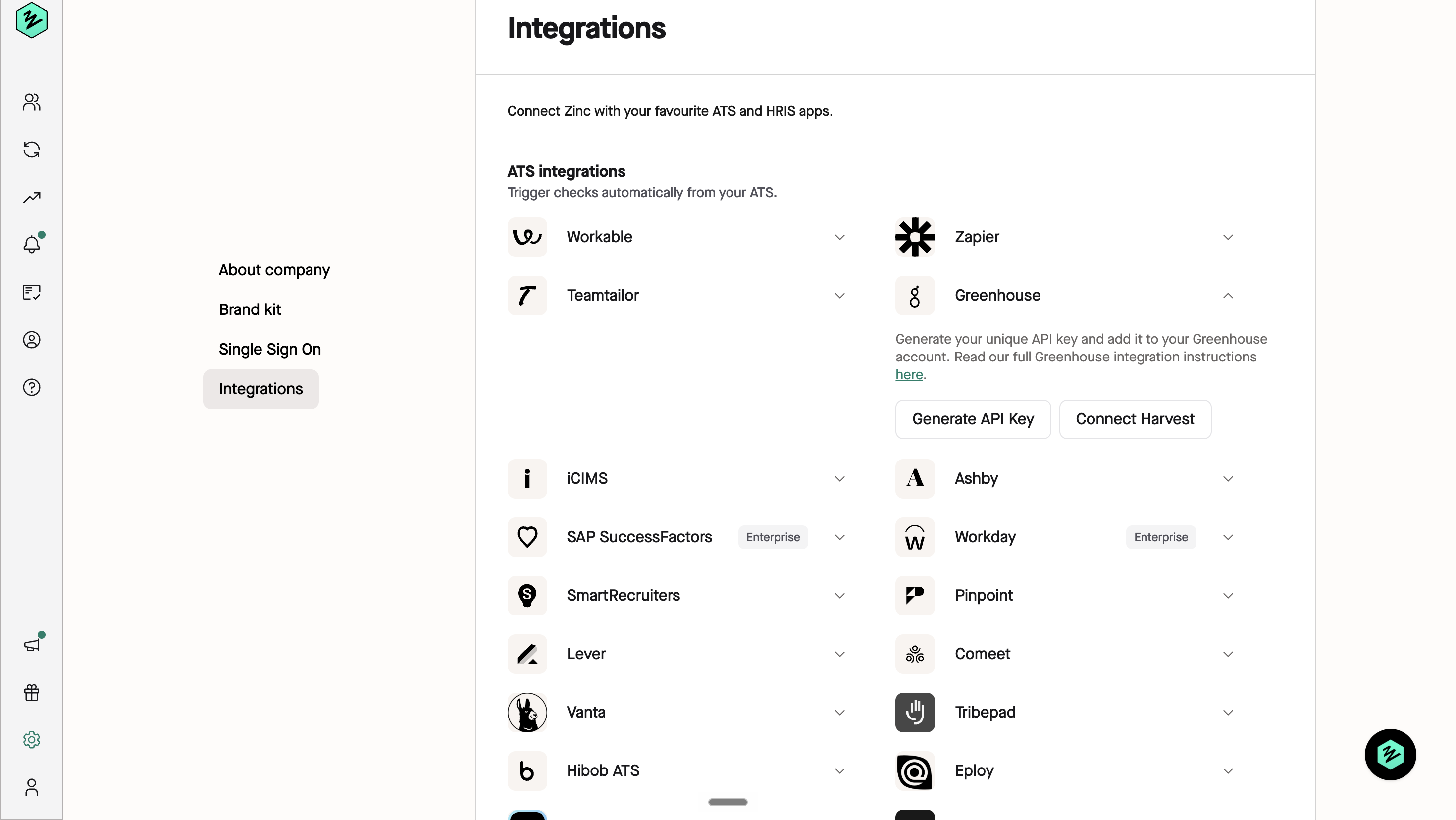
2. Under **ATS Integrations**, find **Greenhouse** and click the arrow to expand it.
3. Click **Connect Harvest**.
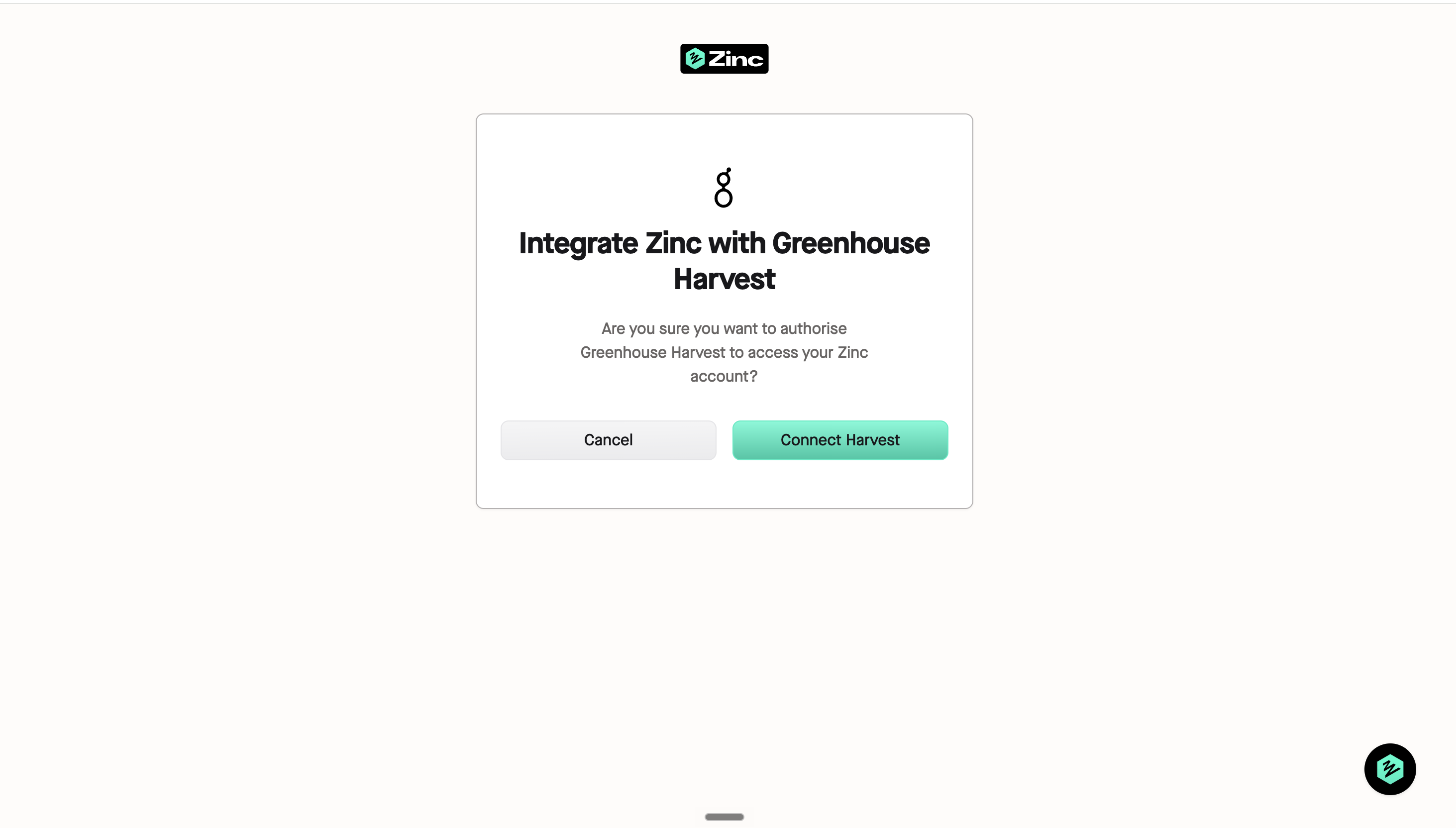
4. In the confirmation window, click **Connect Harvest** again to confirm you want to authorise Greenhouse Harvest to access your Zinc account.
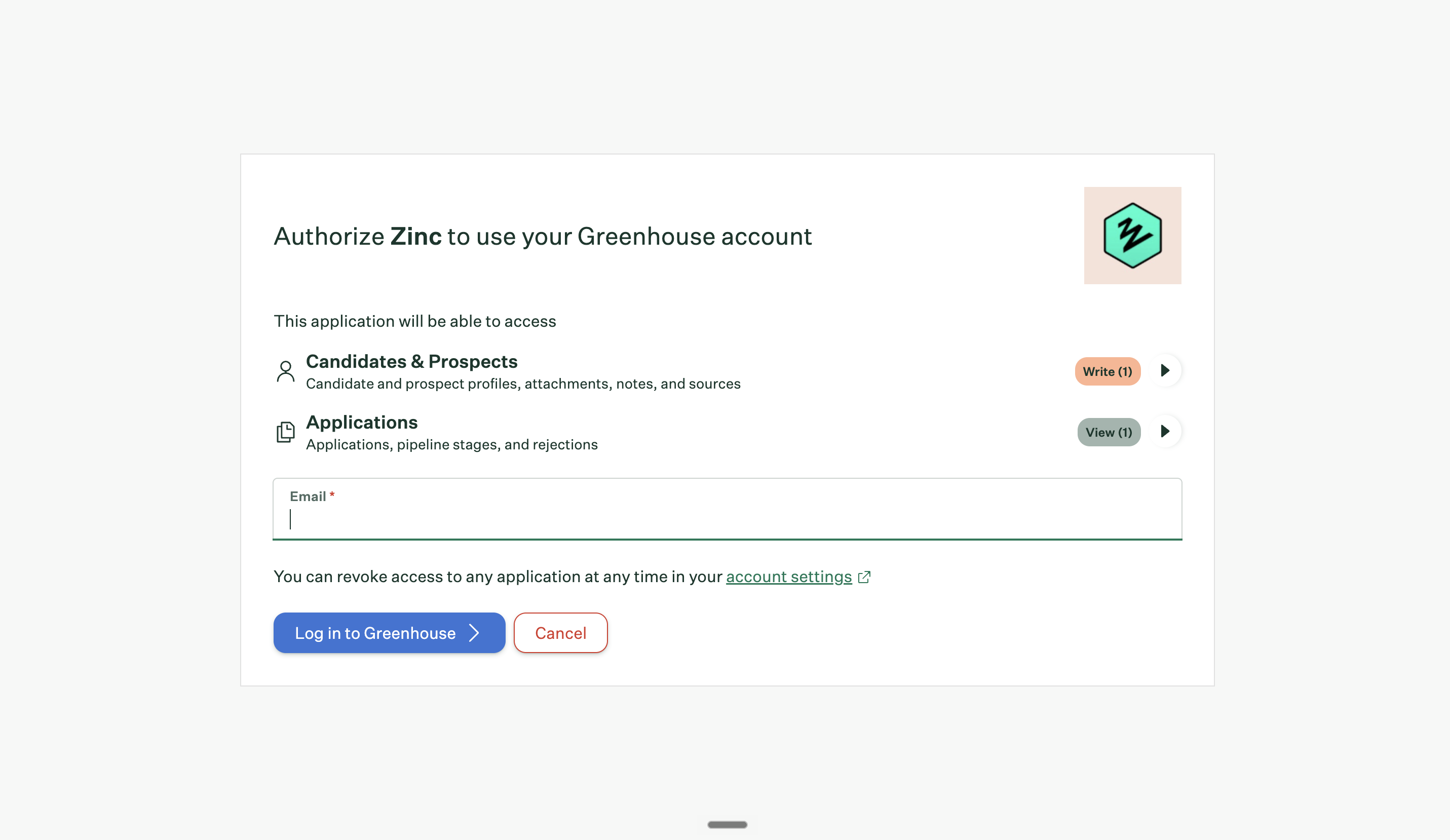
5. You'll be redirected to Greenhouse. Enter the email address for your Greenhouse account and click **Log in to Greenhouse**.
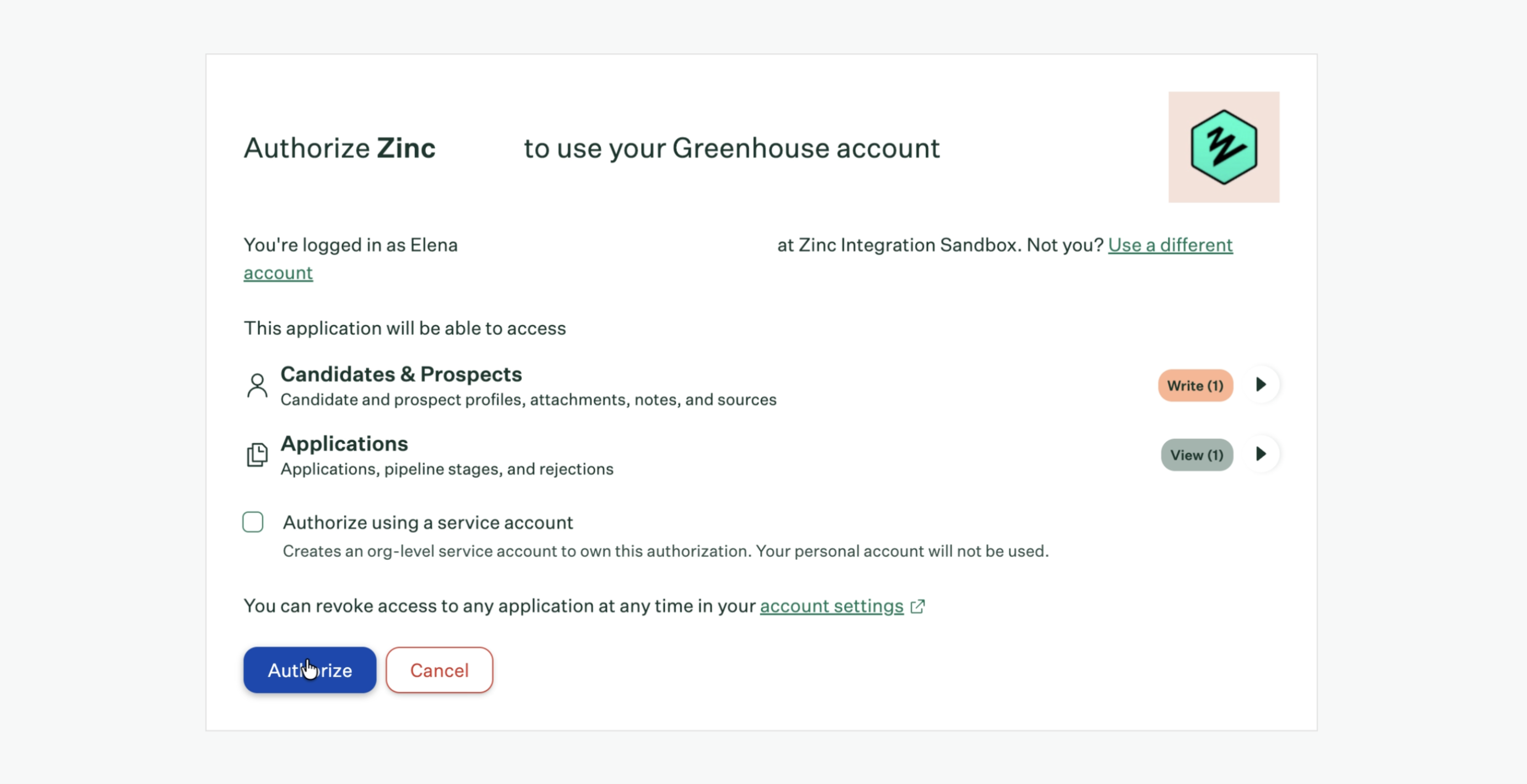
6. Review the permissions Zinc is requesting — access to **Candidates & Prospects** and **Applications** — then complete the Greenhouse login prompts to authorise the connection.
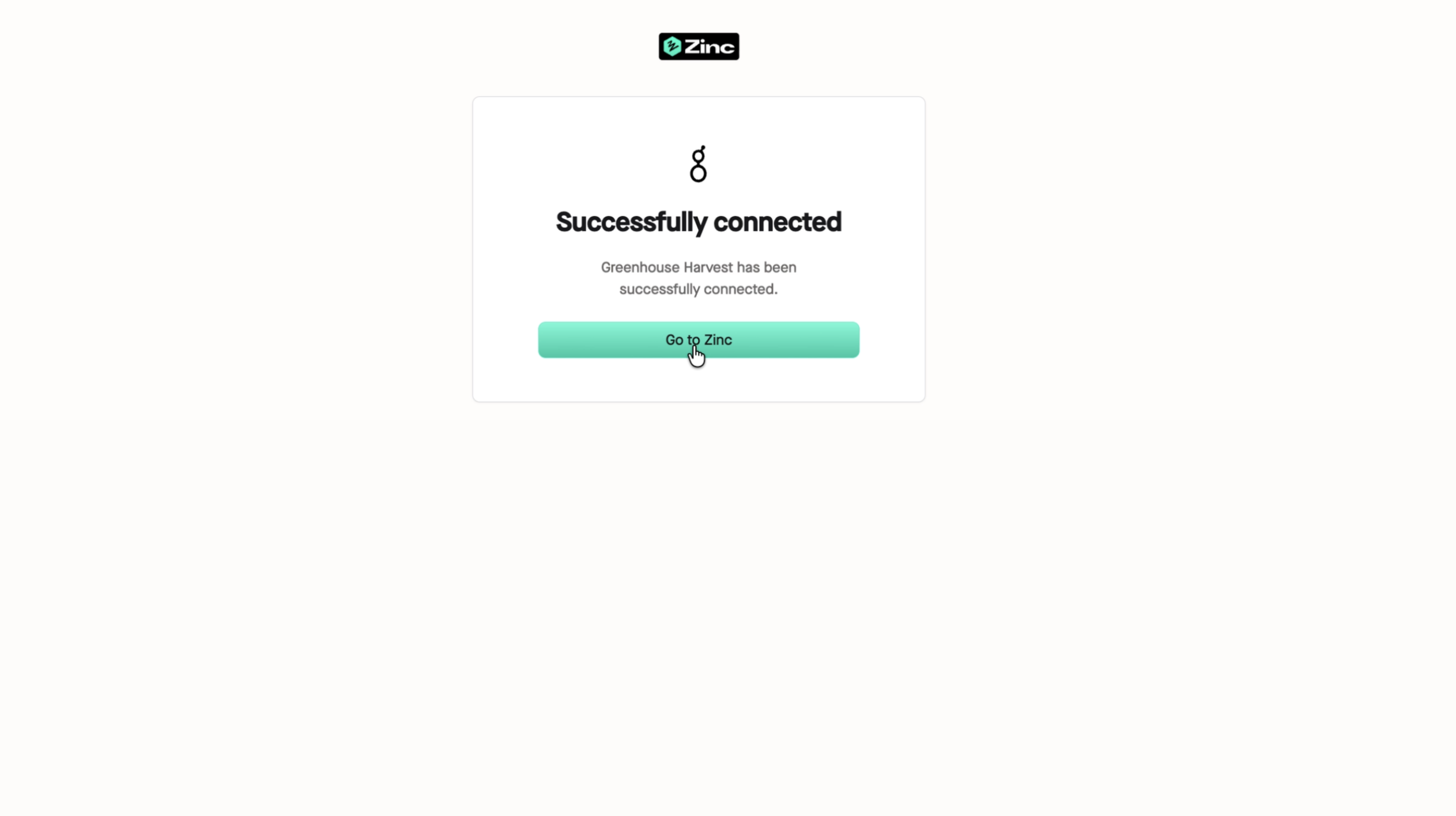
7. Once authorised, you'll see a confirmation that Greenhouse Harvest has been successfully connected. Click **Go to Zinc** to return to your integrations page.
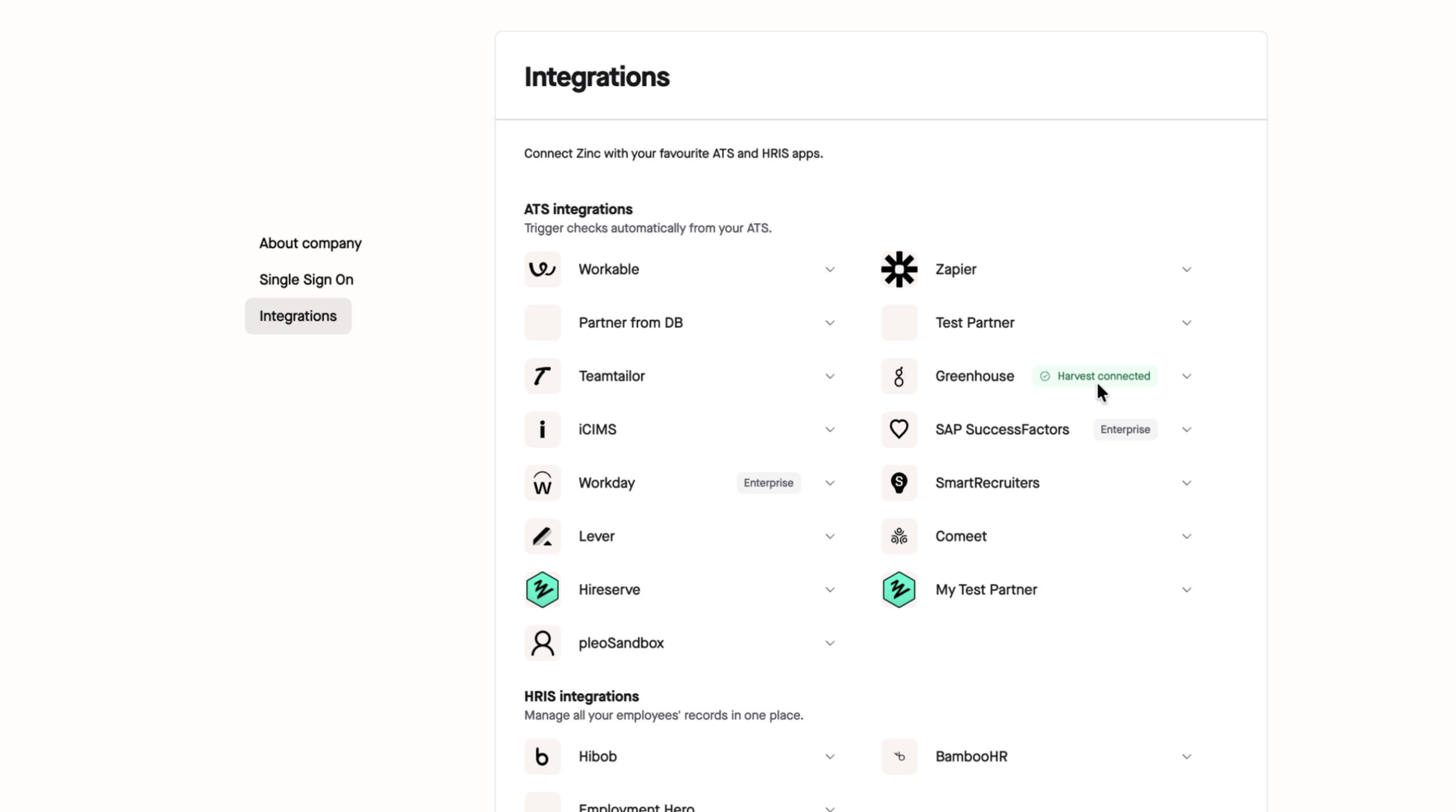
8. Back in Zinc, the Greenhouse row will now show a **Harvest connected** badge, confirming PDF delivery is switched on.
### What if I don't see a "Connect Harvest" button?
If your Greenhouse integration was set up before this feature was introduced, reach out to our Account Management Team at accountmanagement@zincwork.com and we'll help you get connected.
---
Once Harvest is connected, no further action is needed — completed reports will start attaching as PDFs to the relevant candidate's profile in Greenhouse automatically.