For the complete documentation index, see llms.txt
For the complete documentation index, see llms.txt
How to Link an Already-Signed Contract to Your Zinc Account (Enterprise Plan Access)
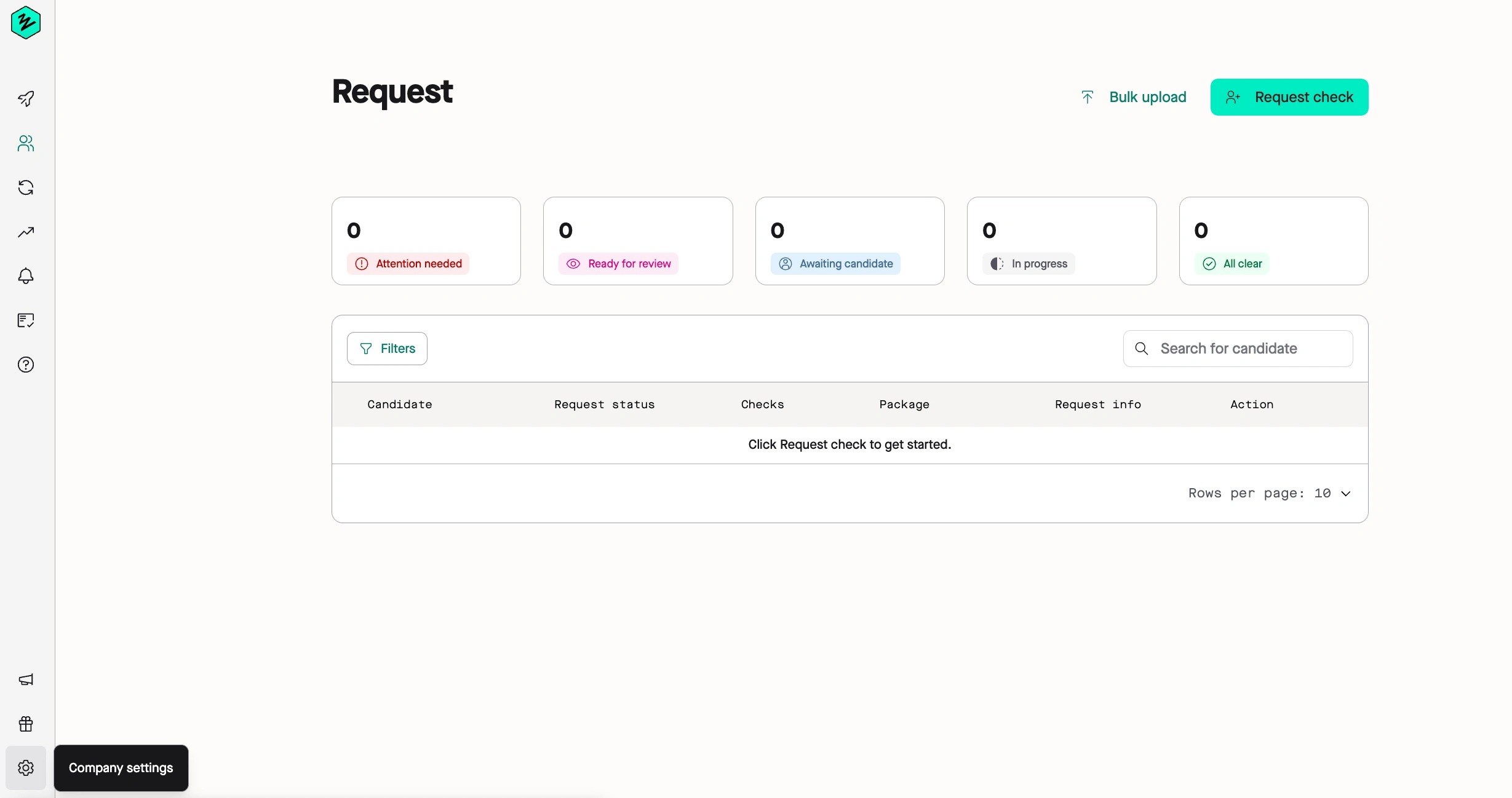
1\. When you first create your account with Zinc, navigate to [https://app.zincwork.com/recruit](https://stagingapp.zincwork.com/recruit) and click **Company settings** in the lower left hand corner (the cog icon).
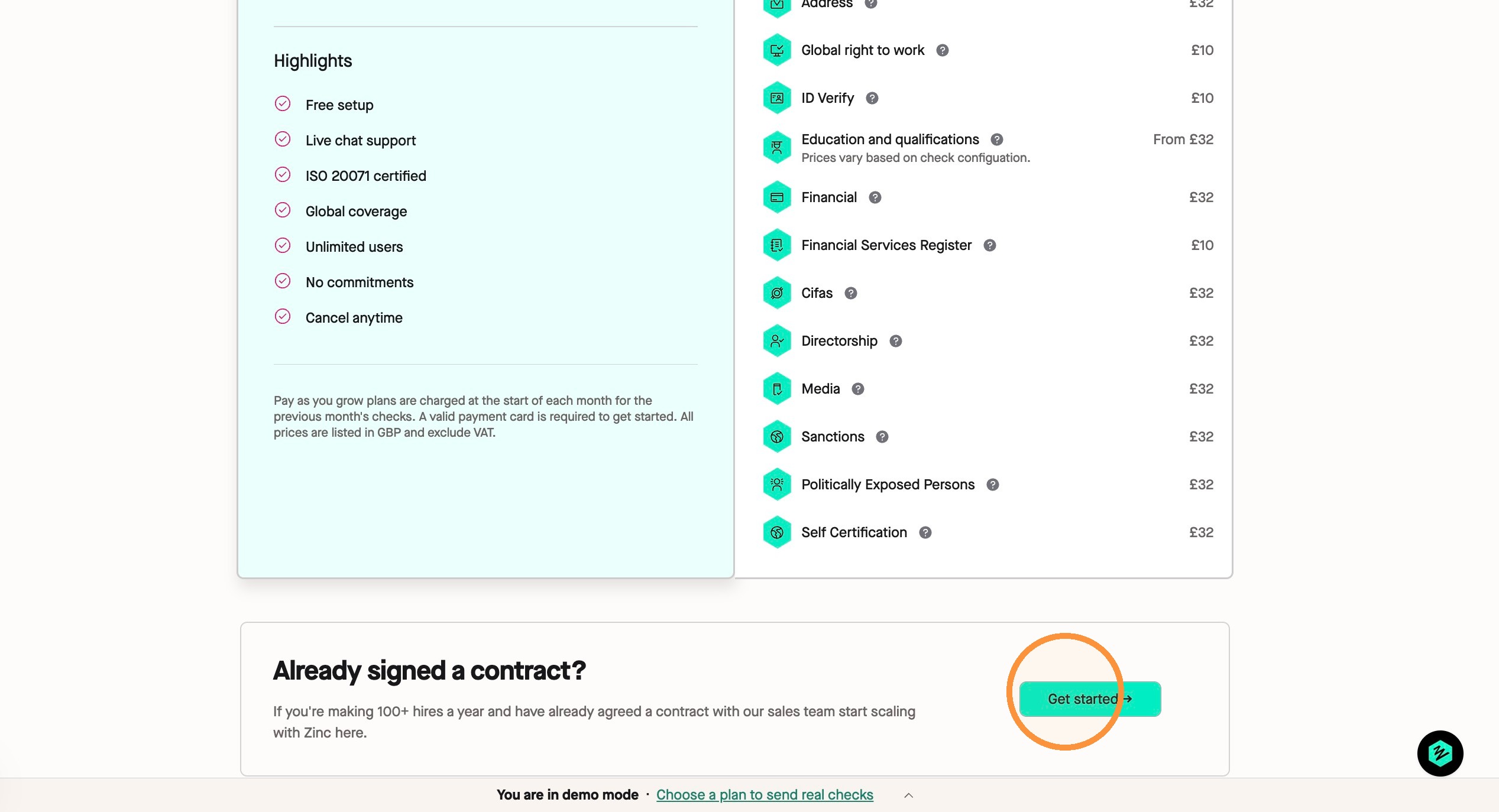
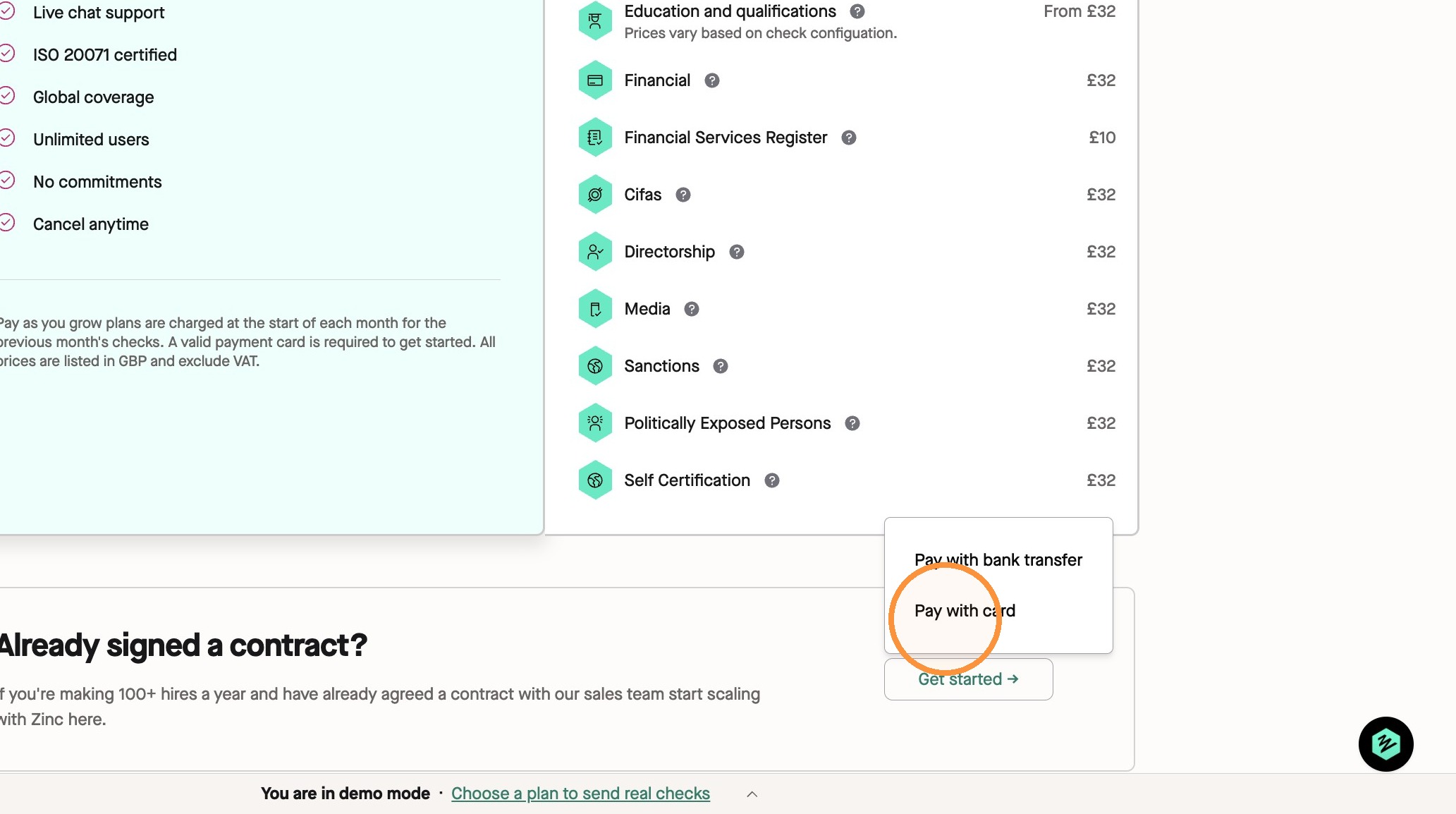
2\. In the **Plan** tab you are automatically taken to, scroll down to **Already signed a contract?**. Click **Get started ->**
3\. You can decide to pay through two different options.
**Pay with bank transfer** or **Pay with card**.
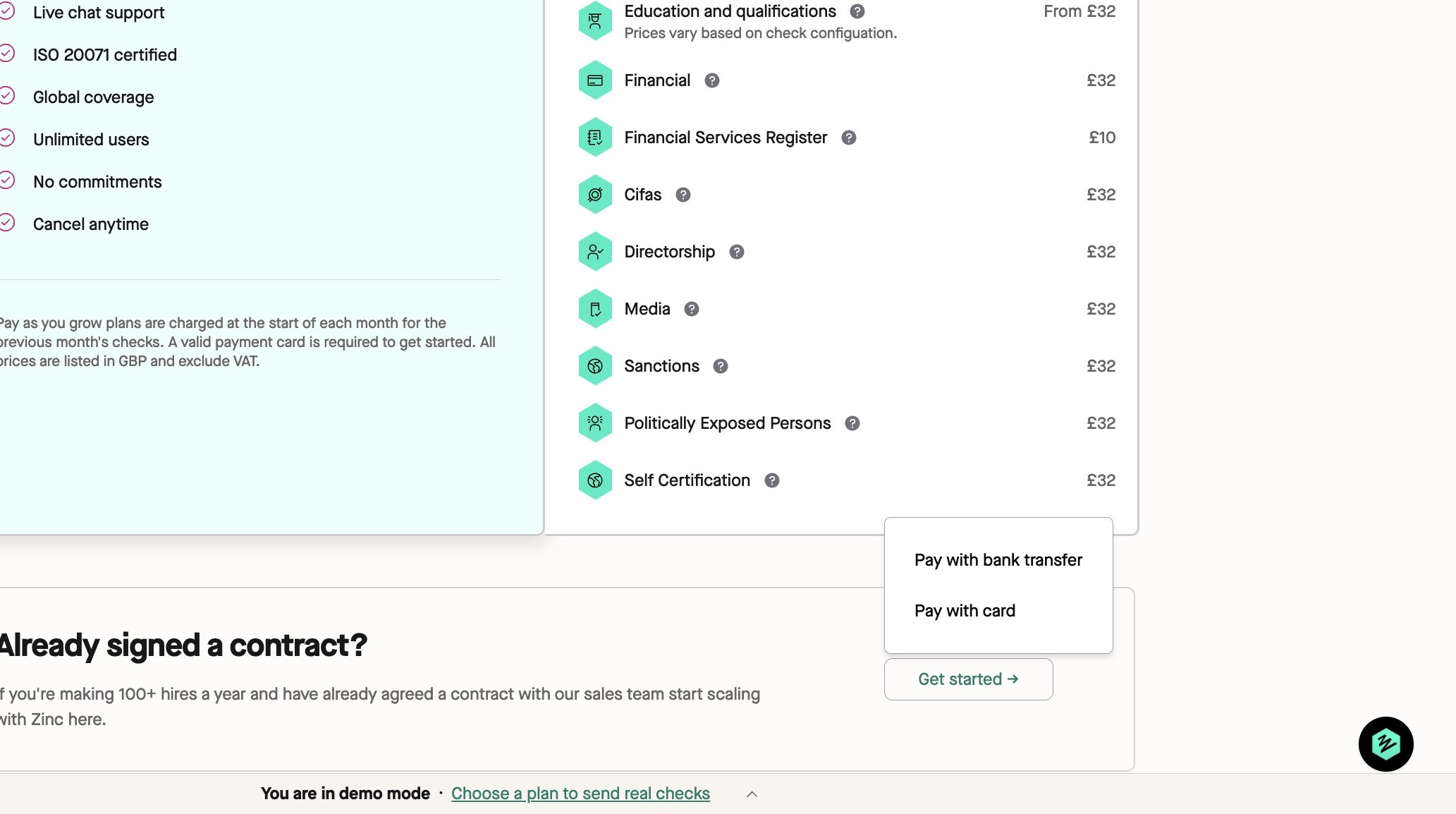
4\. For a **contracted customer**, click **Pay with card**. You will be asked to input your card details here.
🚨 _As a contracted customer, you can put in 0s where it asks for card details to get past the paywall, because we will bill you through Stripe separately._
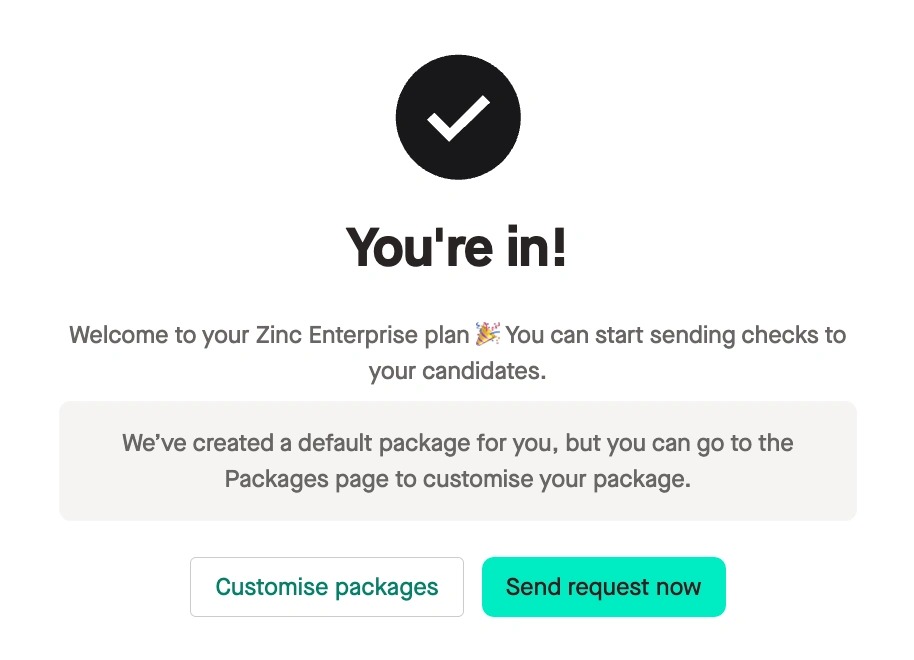
5\. Once you've completed this step, you have now full access to your Enterprise plan and can start sending checks to your candidates.