For the complete documentation index, see llms.txt
For the complete documentation index, see llms.txt
How to Complete GOV.BR Instant Employment Verification in Brazil
This guide provides a walkthrough for submitting official employment verification documents through the Zinc platform. Follow these steps to correctly input candidate data and employment history to ensure a seamless background check process.
#### Verification Initiation
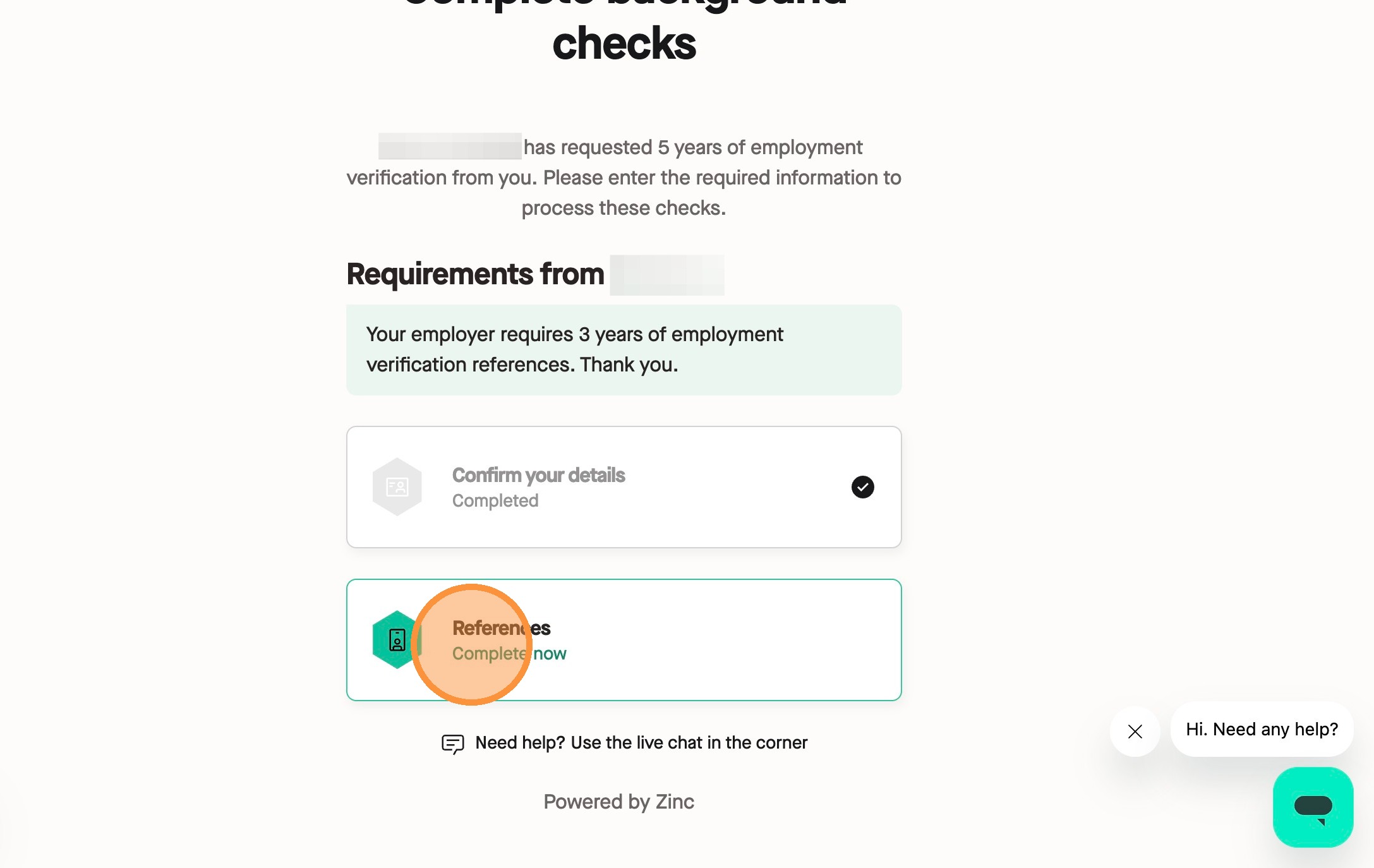
1\. Navigate to your submission page and click **Complete now** on the References card.
#### Consent and Authorisation
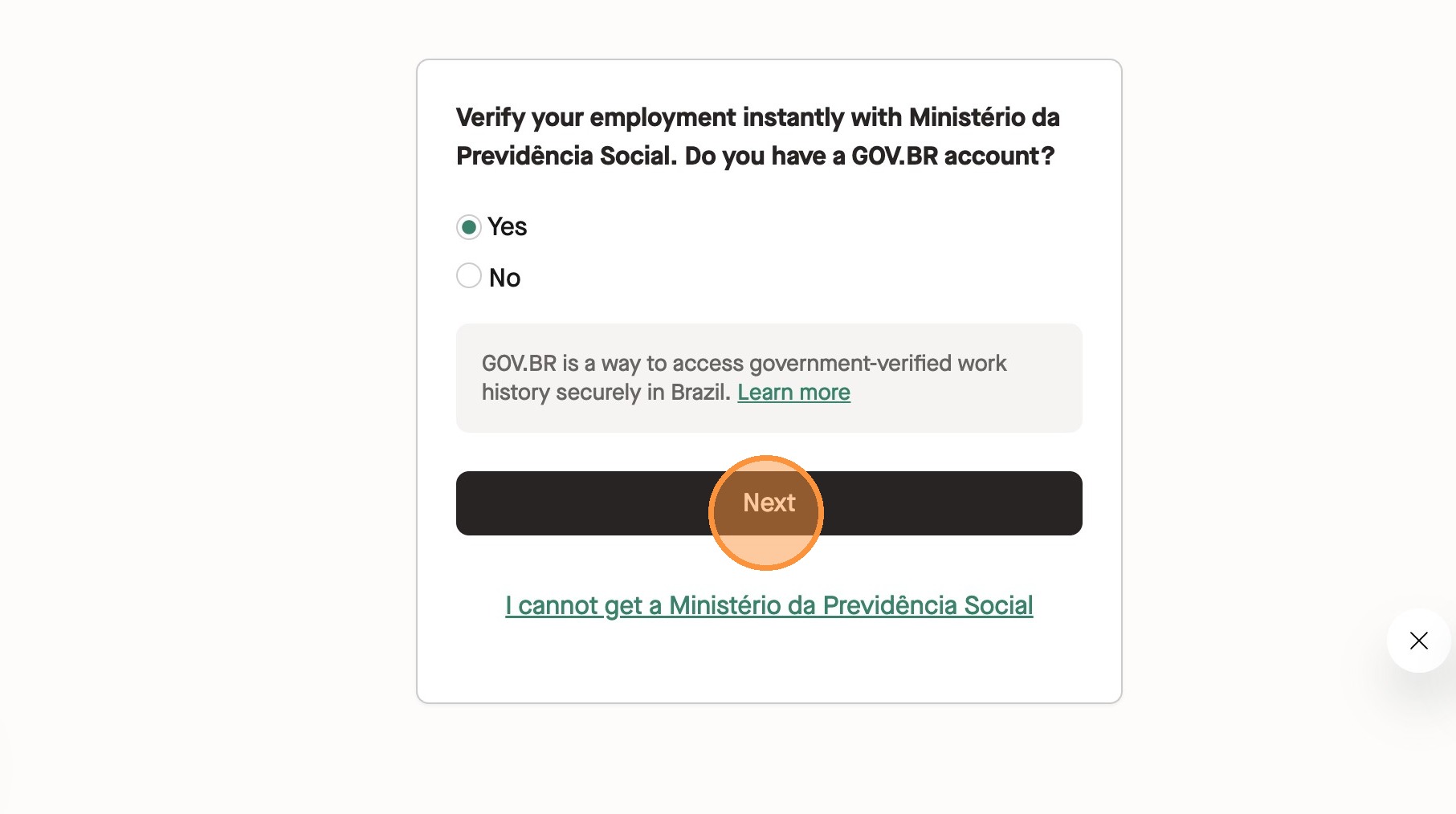
2\. Inside of Employment Verification, select **Yes** to confirm you have a GOV.BR account. Then, click **Next**.
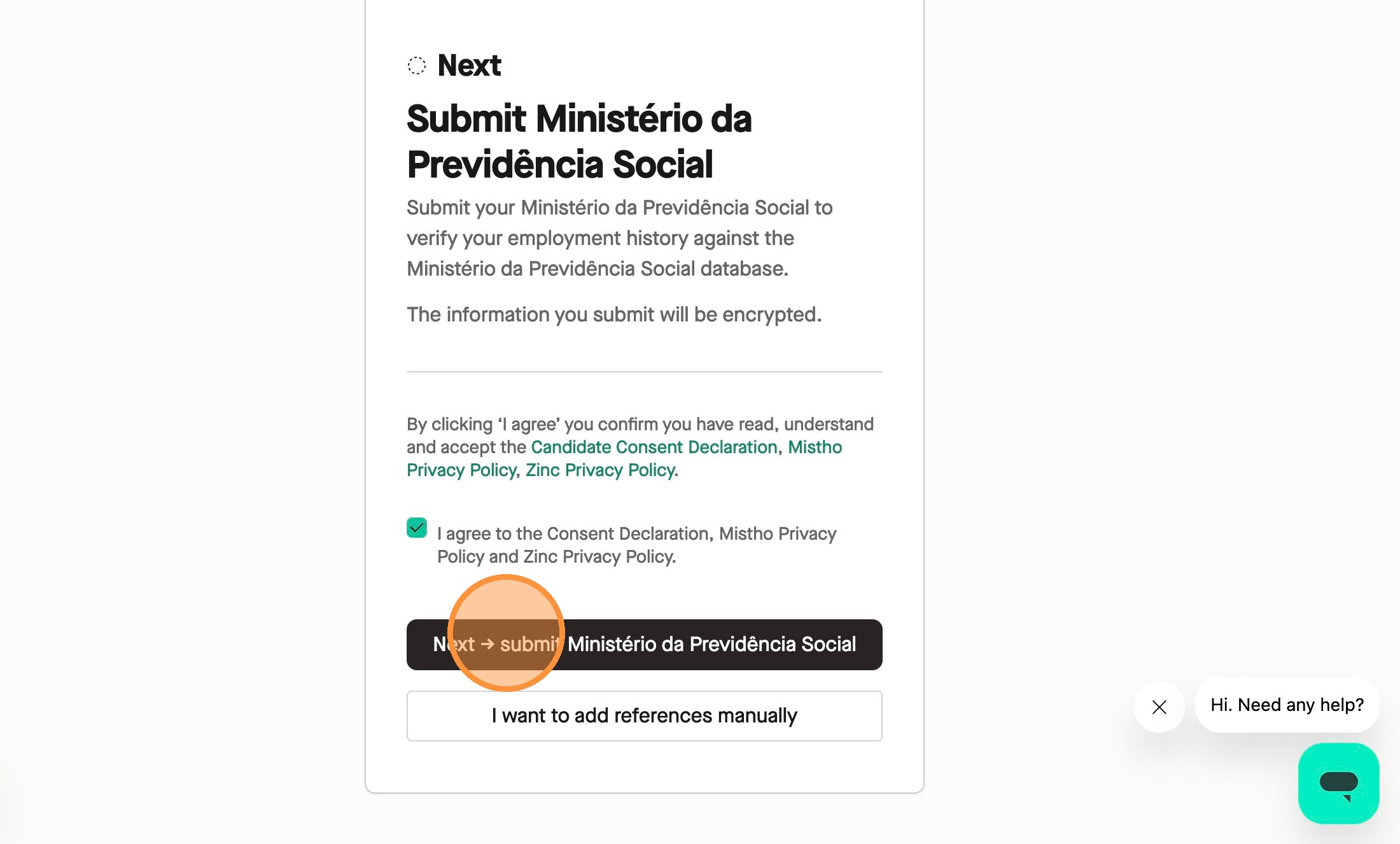
3\. Check the box to agree to the Consent Declaration and Privacy Policies. Click **Next** to submit your Ministério da Previdência Social.
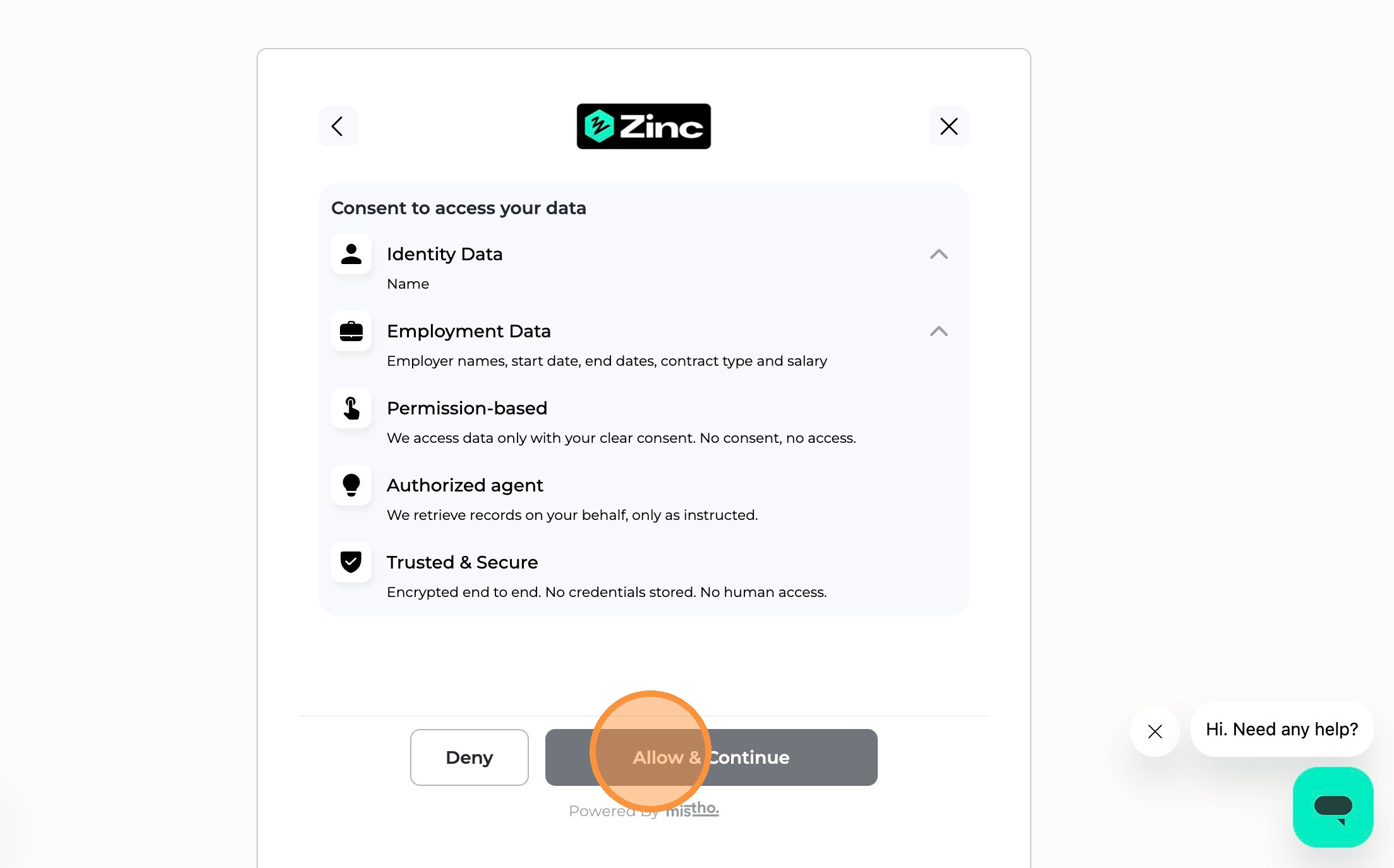
4\. Click **Allow & Continue** to grant access to your data.
#### Identity Authentication
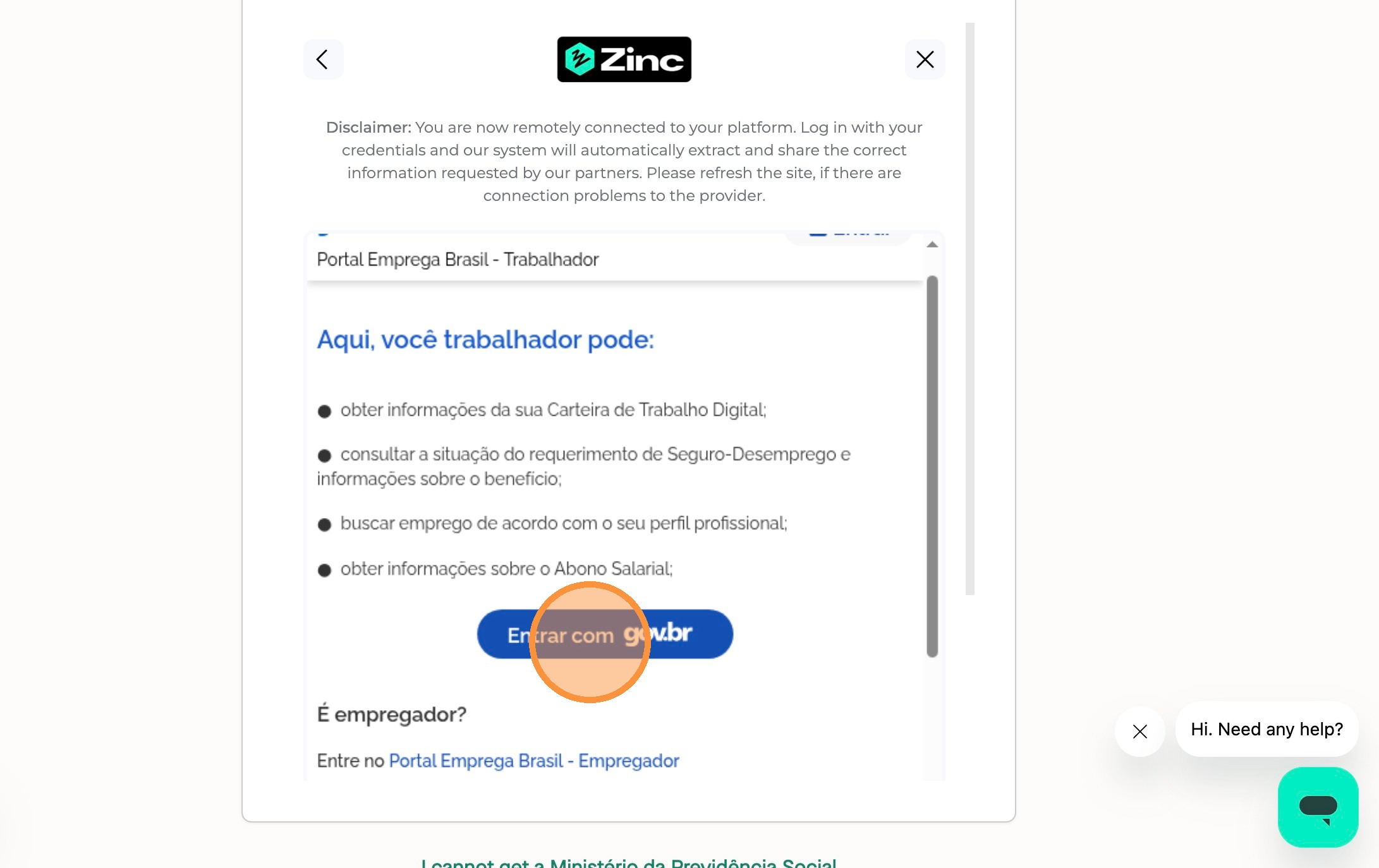
5\. Click the **Entrar com gov.br** button to begin the authentication process.
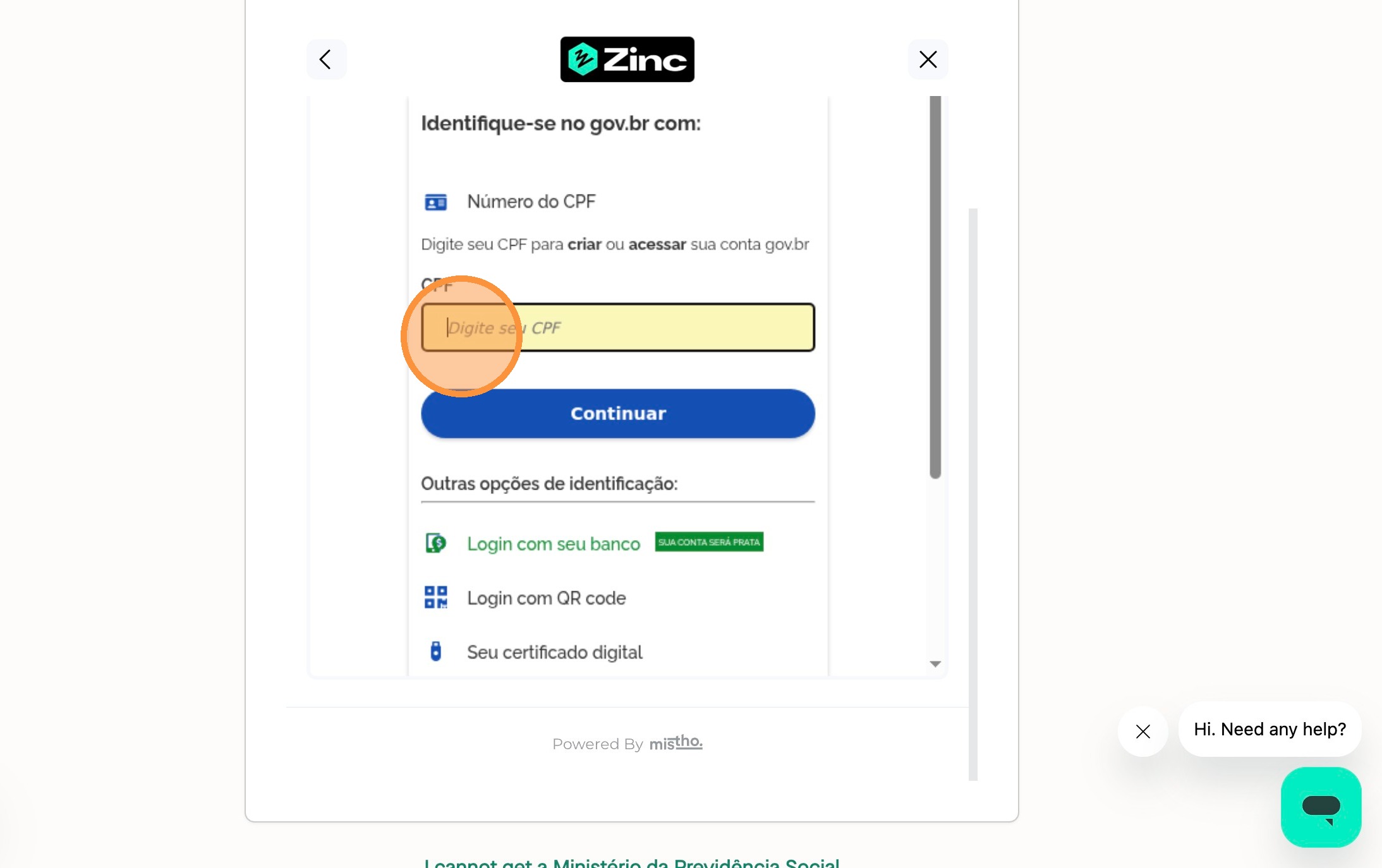
6\. Enter in your CPF number and click **Continuar**. You can also log in with other identification options such as a QR code or your bank.
#### Information Confirmation
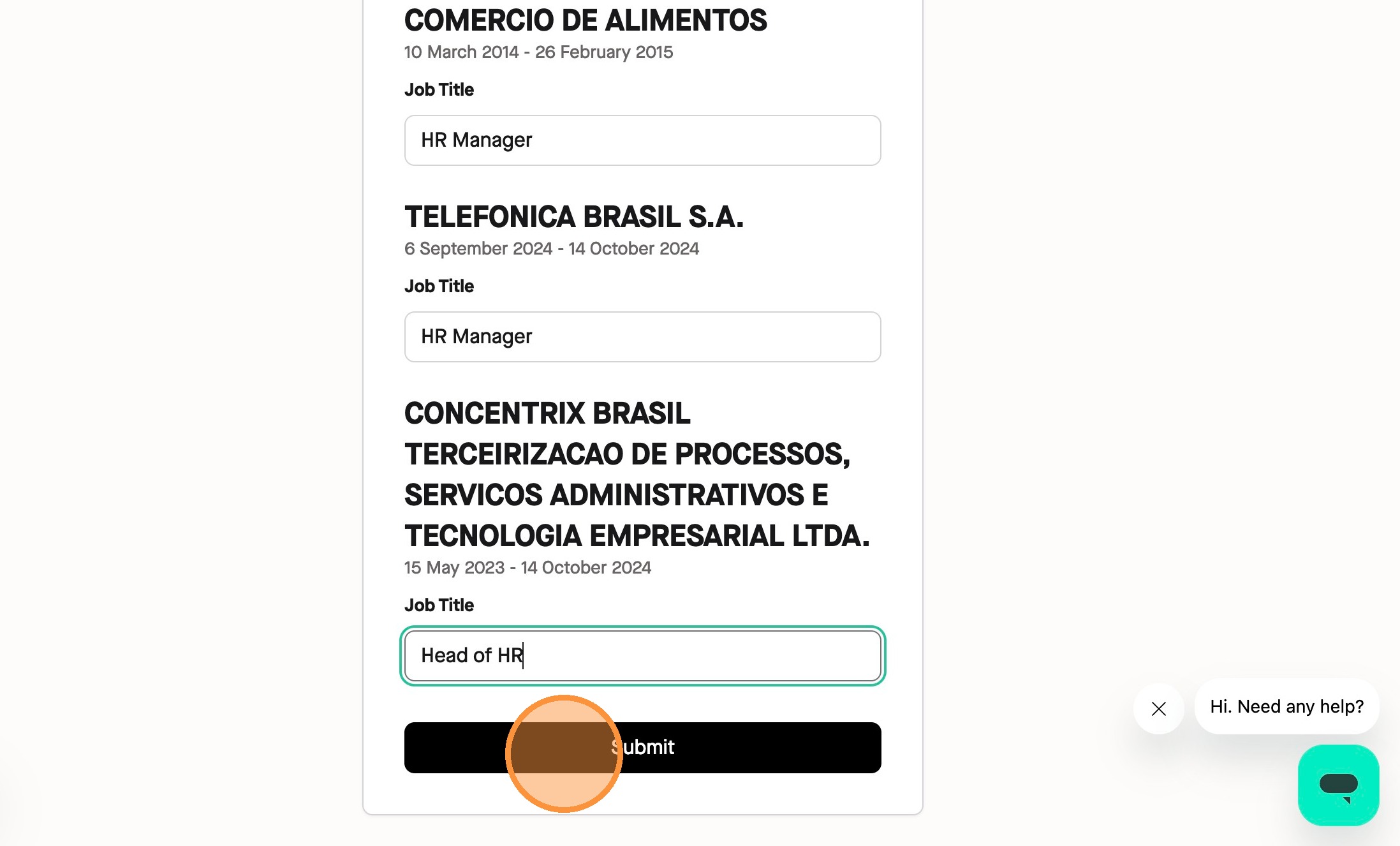
7\. Once your details have processed, Enter the required job titles for each listed employment record that is pulled through automatically. Once you press **Submit**, this check is completed and you can add any additional references if needed.