For the complete documentation index, see llms.txt
For the complete documentation index, see llms.txt
How Do I Remove a Reference?
To start, whether you can delete a reference depends on the status of the request:
- Not completed / unanswered: if the trash can icon is visible, you can cancel the request yourself and add a new reference if needed.
- Completed: this cannot be removed unless Zinc has explicit consent from your employer.
- Bounced: this cannot be deleted, edited, or resubmitted. Your employer must contact Zinc Support directly if it needs to be removed.
- No trash can icon: the reference may be completed, bounced, restricted by the employer flow, or verified through Instant Employment Verification. Employer consent is likely needed before Zinc can remove it.
## How to cancel a reference request
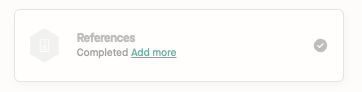
1. Navigate to your reference submission page by clicking the **complete checks** button in the background check request email you were sent by Zinc and clicking on **References**.
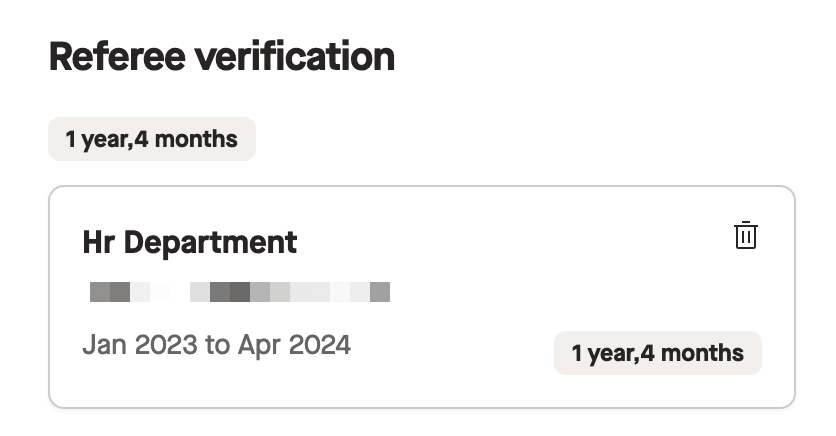
2. Find the referee you want to remove and click the **trash can** to the right of their name.
3. A pop up will appear asking if you would like to cancel the referee; click **Confirm**.
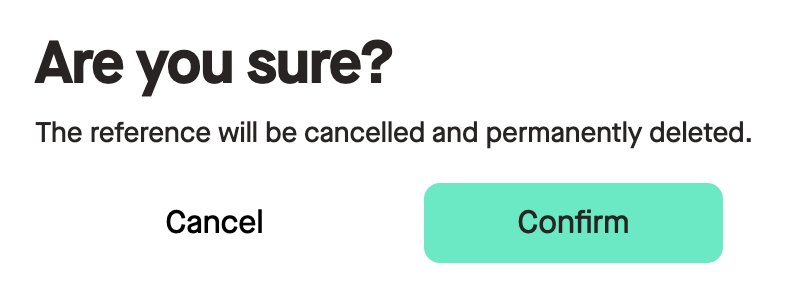
This reference has now been cancelled.
## If you cannot see the trash can icon
If you do not see a trash can icon, this is because the reference was verified with **Instant Employment Verification**, the reference has already been completed, the request has bounced, or the removal option is restricted for that flow.
With **Instant Employment Verification**, which is processed via the supported tax or government authority for your selected country, we need consent from your new employer directly before removing any information. Please ask them to contact our Support Team directly over live chat or email if you wish to remove this information from Zinc.
For completed or bounced reference requests, your employer must also contact Zinc Support directly to authorize removal.
## Updating referee details
If you want to update referee information, for example by adding another email address, you need to remove the existing request first if it has not been completed and the trash can icon is visible. You can then add the referee again with the updated information.