For the complete documentation index, see llms.txt
For the complete documentation index, see llms.txt
Assign DBS Job Roles to Packages
Please note that this functionality is only available to users with admin access on Zinc.
## Add job roles to packages
Once you’ve made your job roles which you can find out how to do here, you can start adding them to packages!
1. Head to the **DBS Job Roles** tab in your **Company Settings**.
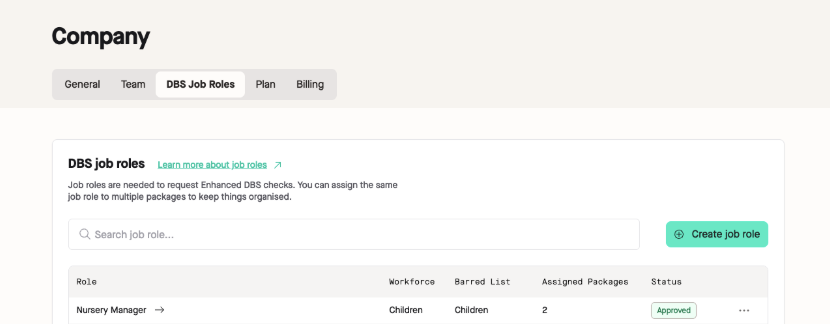
2. Find your job role you would like to assign to your packages and click on the role.
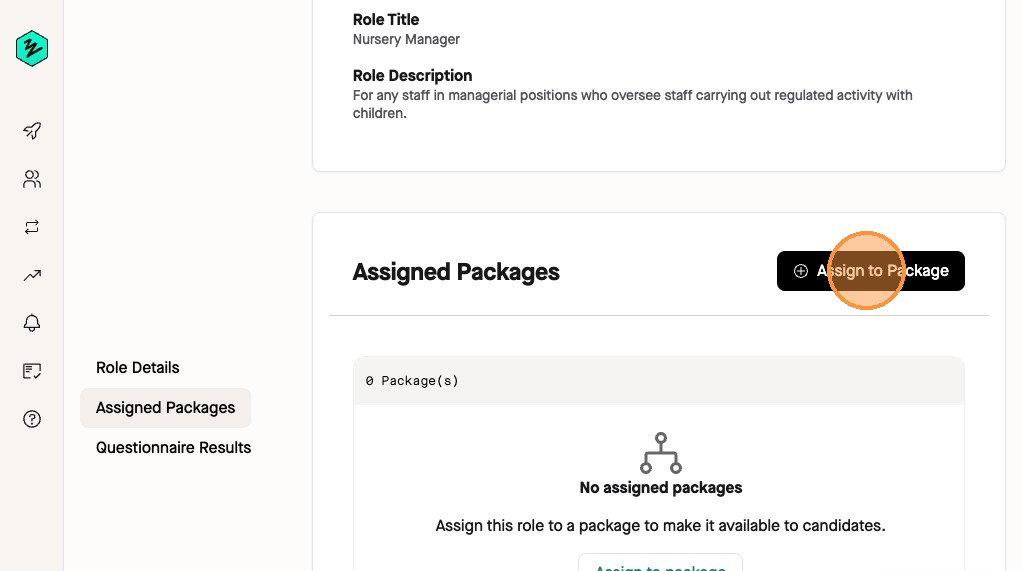
3. On the new page, click **Assign to Package** under **Assigned Packages**.
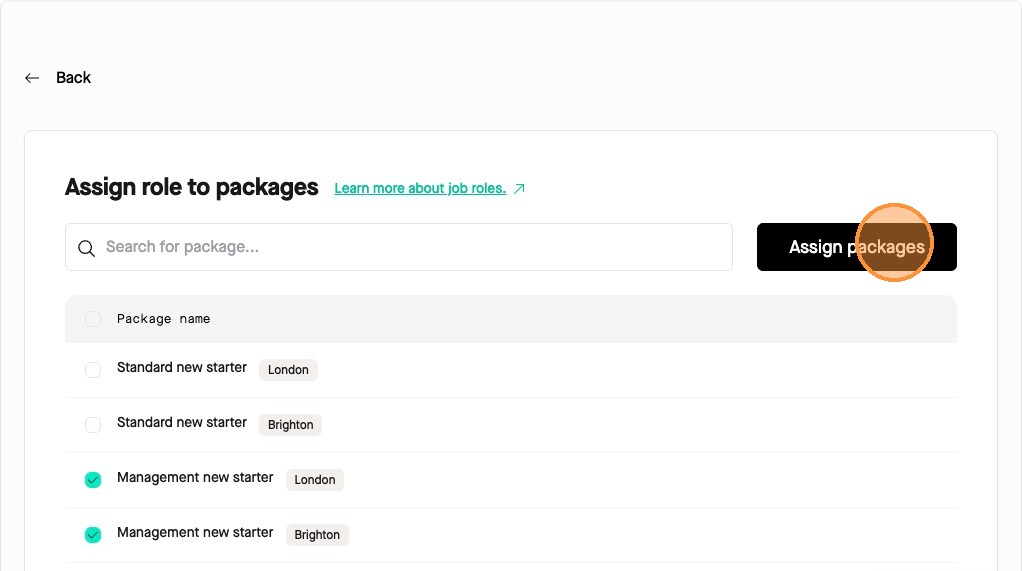
4. Select which packages you would like your job role to be available for.
We will only display packages that have the Enhanced DBS check level set up on them.
If you’ve got quite a few packages:
- Filter packages by a key word search in the search bar
- Assign a job role to all packages by clicking the tick box next to **Package name**
5. Once completed, click **Assign packages**.
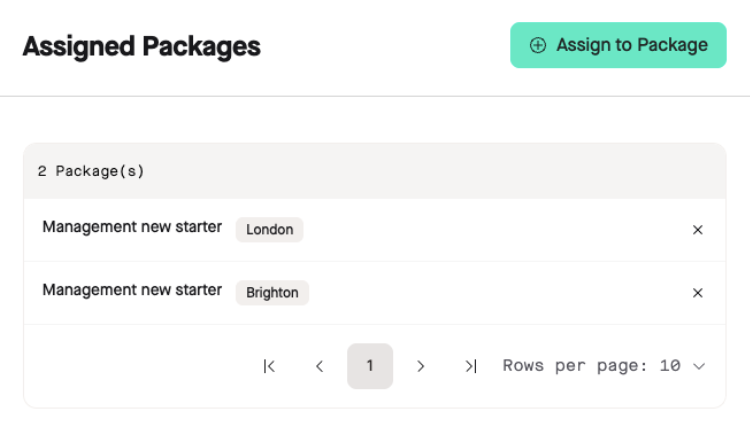
You will then see the packages this job role is assigned to. If you need to add this role to more packages, repeat this process.