For the complete documentation index, see llms.txt
For the complete documentation index, see llms.txt
Customising Reference Questionnaires for Tailored Reference Checks
## Enhance referee responses with Zinc’s customisable questionnaire
Tailor your referee questionnaire for faster, more relevant responses. Customised questionnaires ensure that referees only answer questions relevant to them, providing a quick and seamless experience for both referees and recruiters.
All reference types — including Professional, Regulatory, HR, Academic, and Character — have default questions set by Zinc. These can all be customised via the package editor to suit your organisation's needs.
### How do I customise the reference questionnaire?
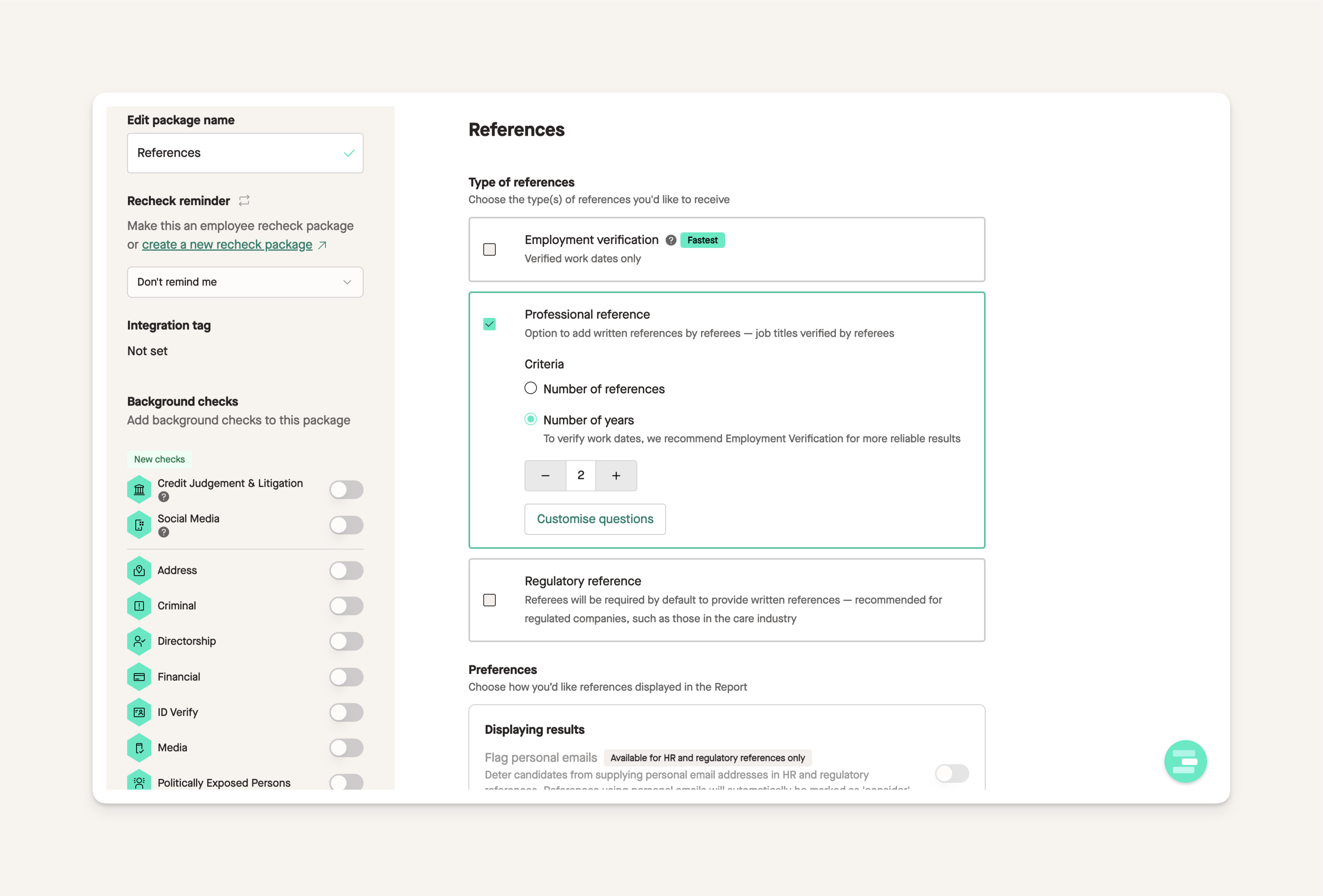
1. Click on **Packages** and select an individual package. Ensure the **Reference Check** toggle is turned on.
2. If a reference check is included in your package, you’ll see a section allowing you to choose the types of references you need.
3. To customise questions for each reference type, click **Customise Questions**.
## Ask follow-up questions
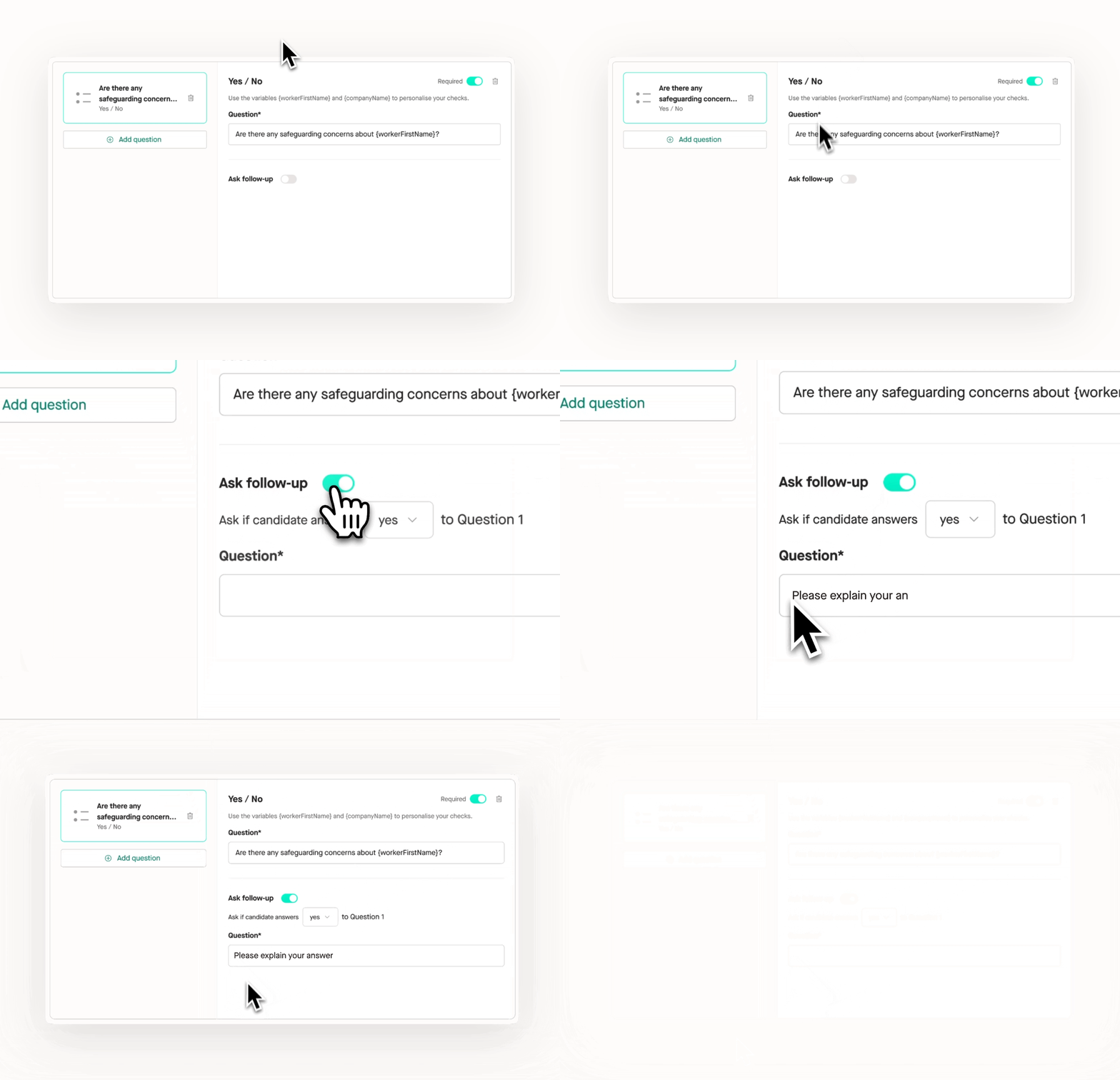
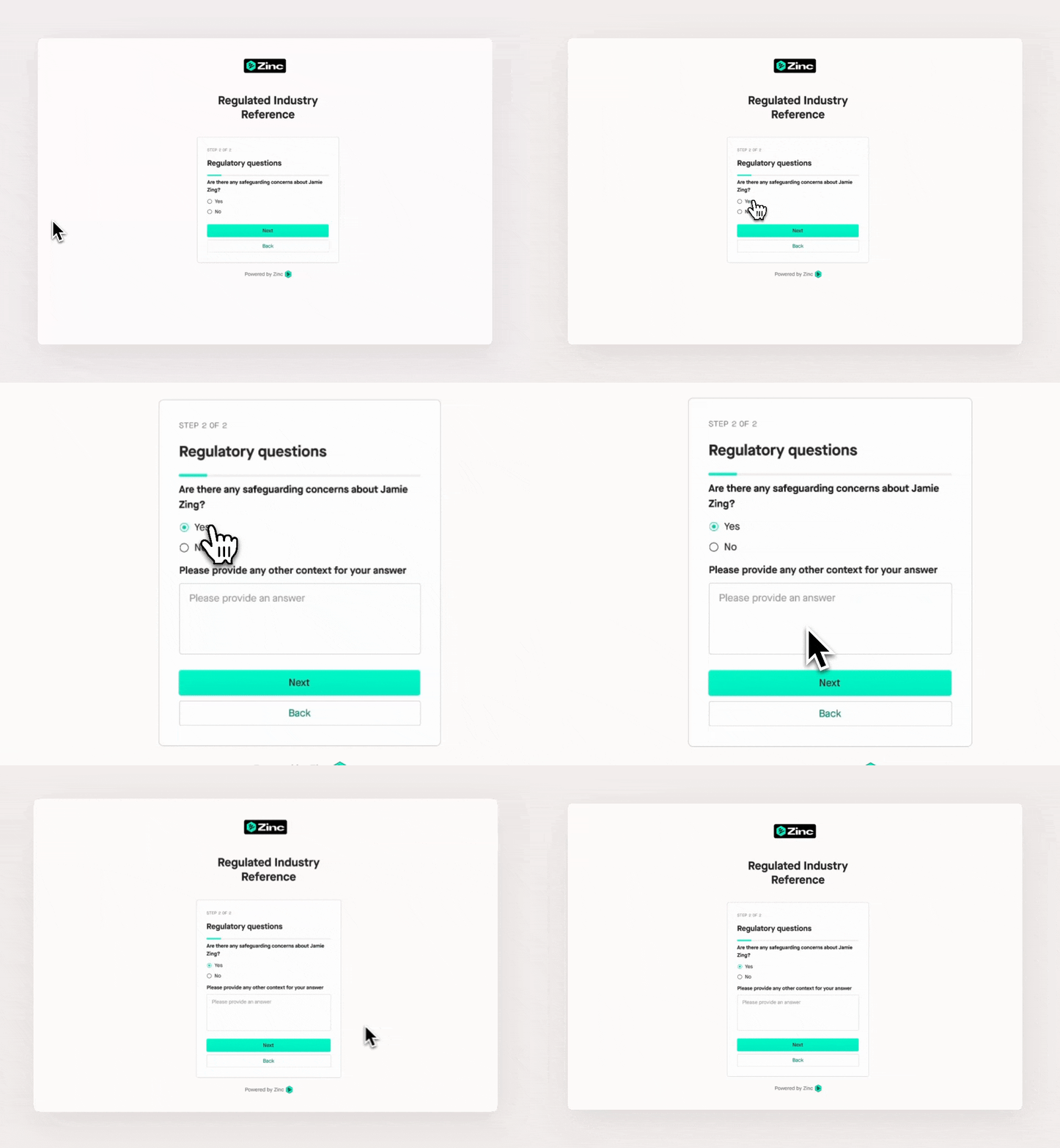
If you need additional information from a referee, enable the **Ask Follow-Up** feature. For **Yes/No** questions, you can configure a follow-up question that appears based on the referee’s initial response, making the form quicker and easier to complete.
## Mark questions as optional in Regulatory References
Regulatory references are designed to help regulated customers gather all the information needed for compliance. Previously, all questions were mandatory by default.
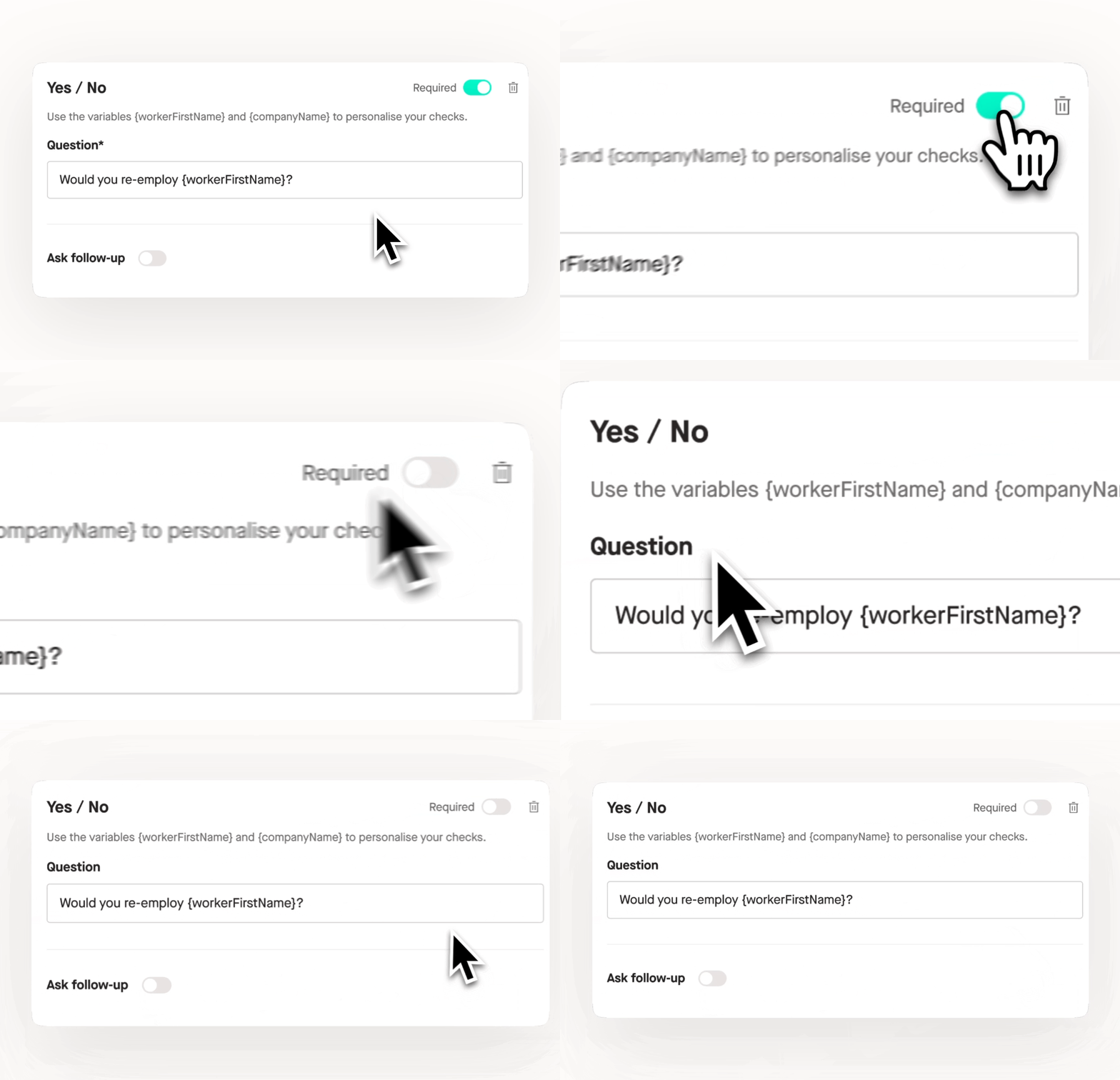
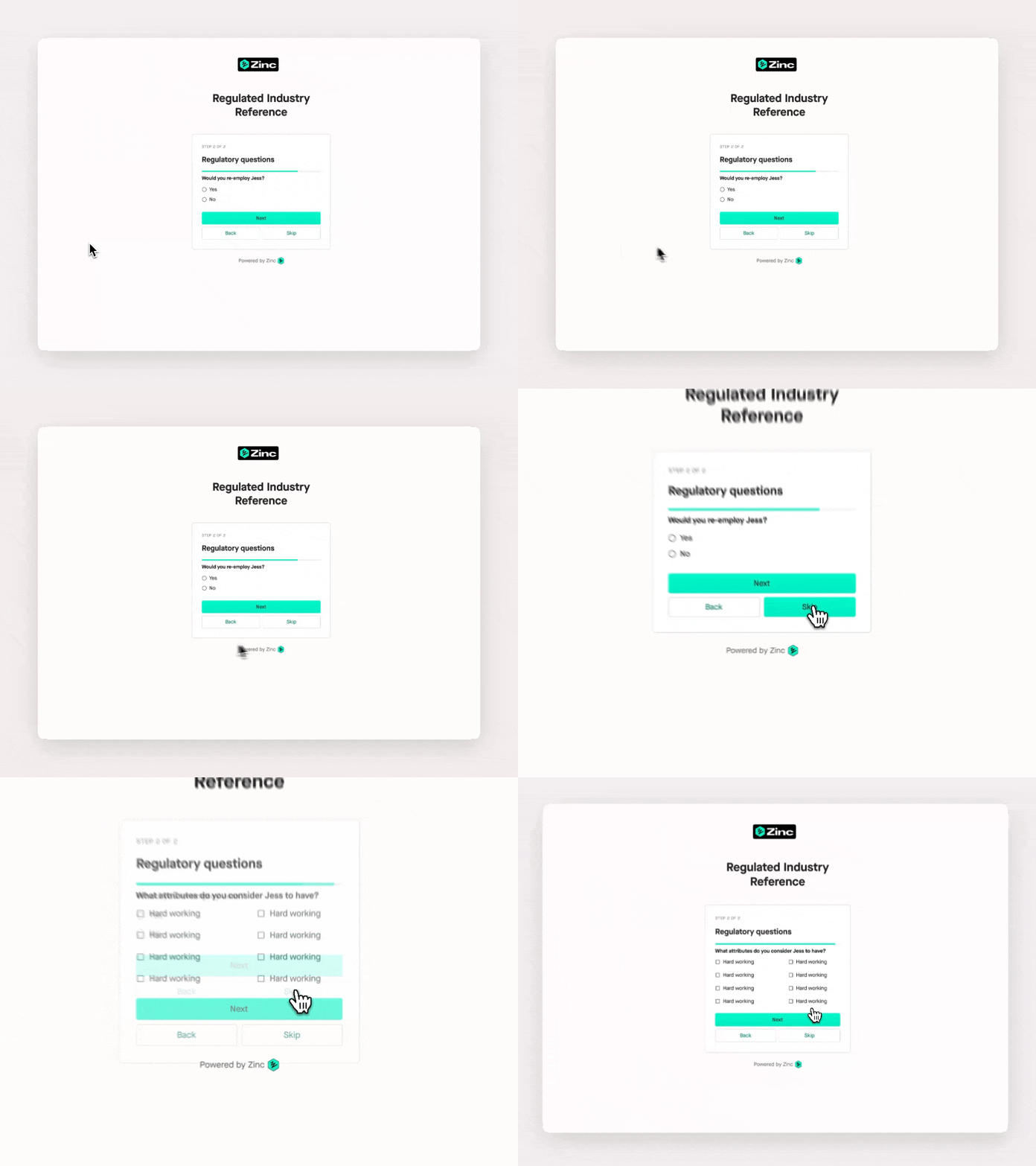
To increase flexibility, you can now mark specific regulatory reference questions as optional. Simply toggle off the **Required** option, allowing referees to skip those questions if they are not applicable.