For the complete documentation index, see llms.txt
For the complete documentation index, see llms.txt
Zinc
Help center
How to Add Job Roles in Zinc
## Before you start
With our new job roles system, there’s a better way to add job roles into Zinc. For our recommended best practices, click here for more information before you start.
Please note that this functionality is only available to users with **admin access** on Zinc.
## Steps to add job roles
1. Navigate to https://app.zincwork.com/recruit
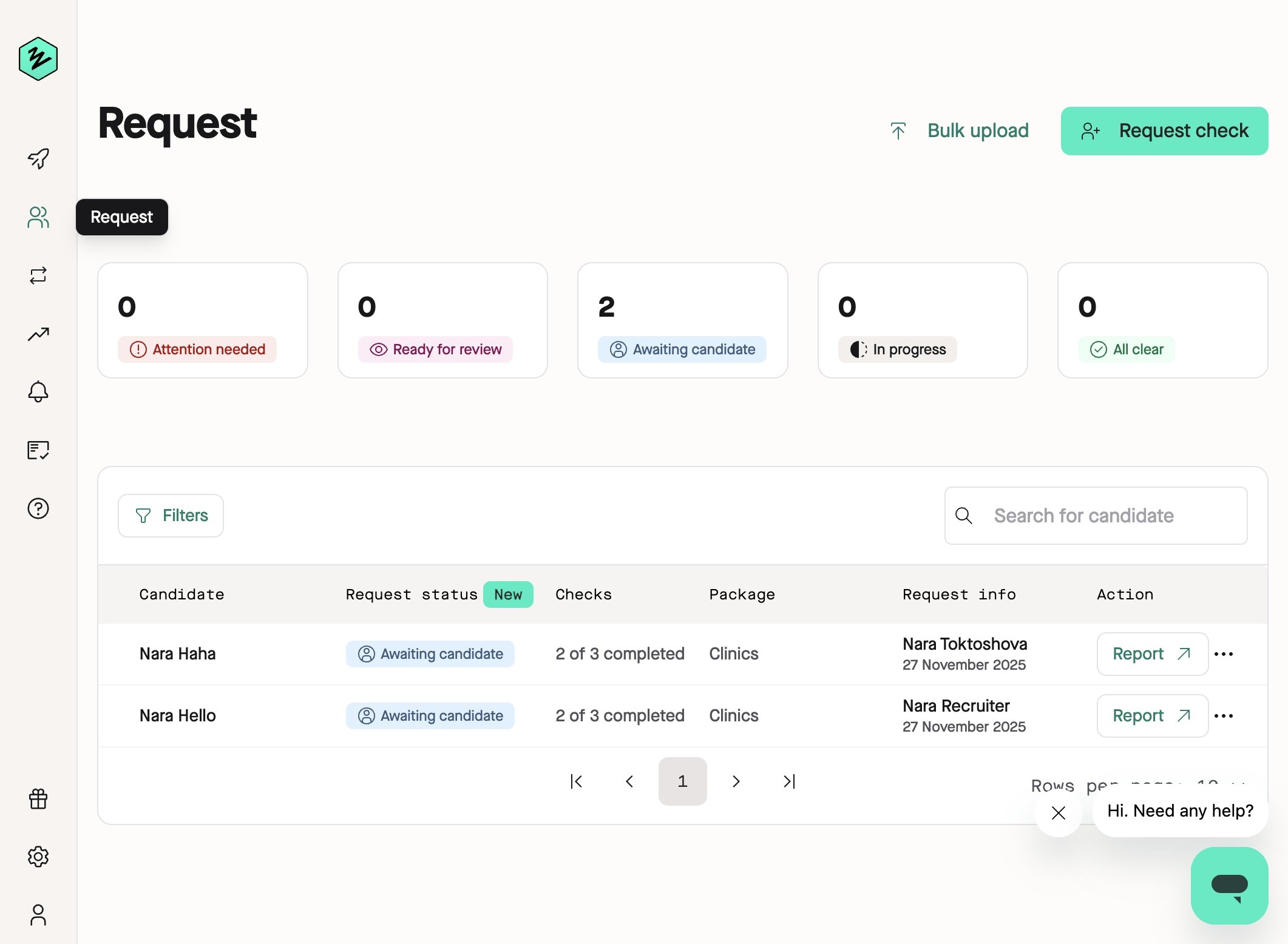
2. Click the cog icon in the lower left hand corner labeled **Company Settings**.
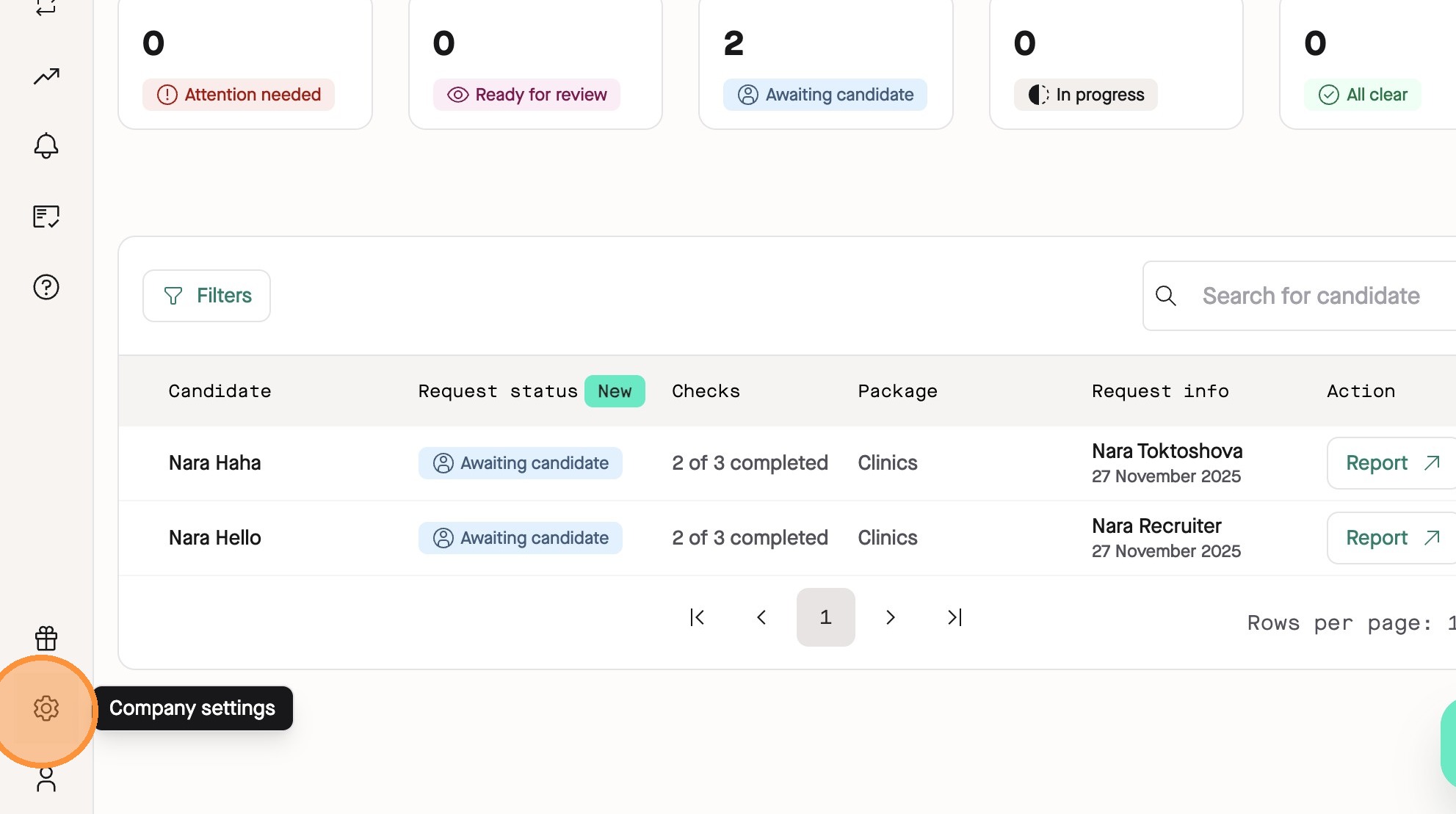
3. Click the **DBS Job Roles** tab in the Company page.
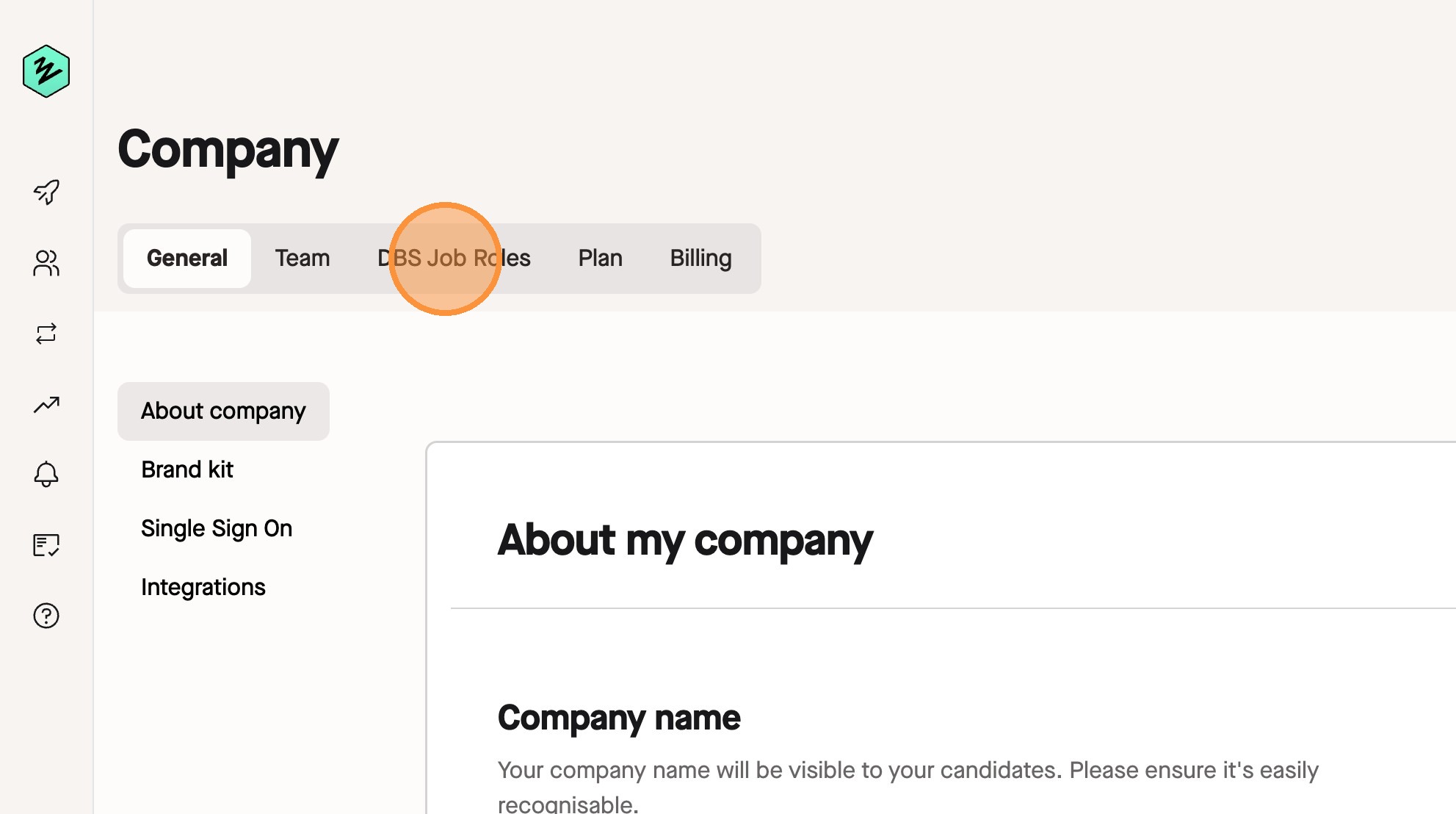
4. Click **Create job role**.
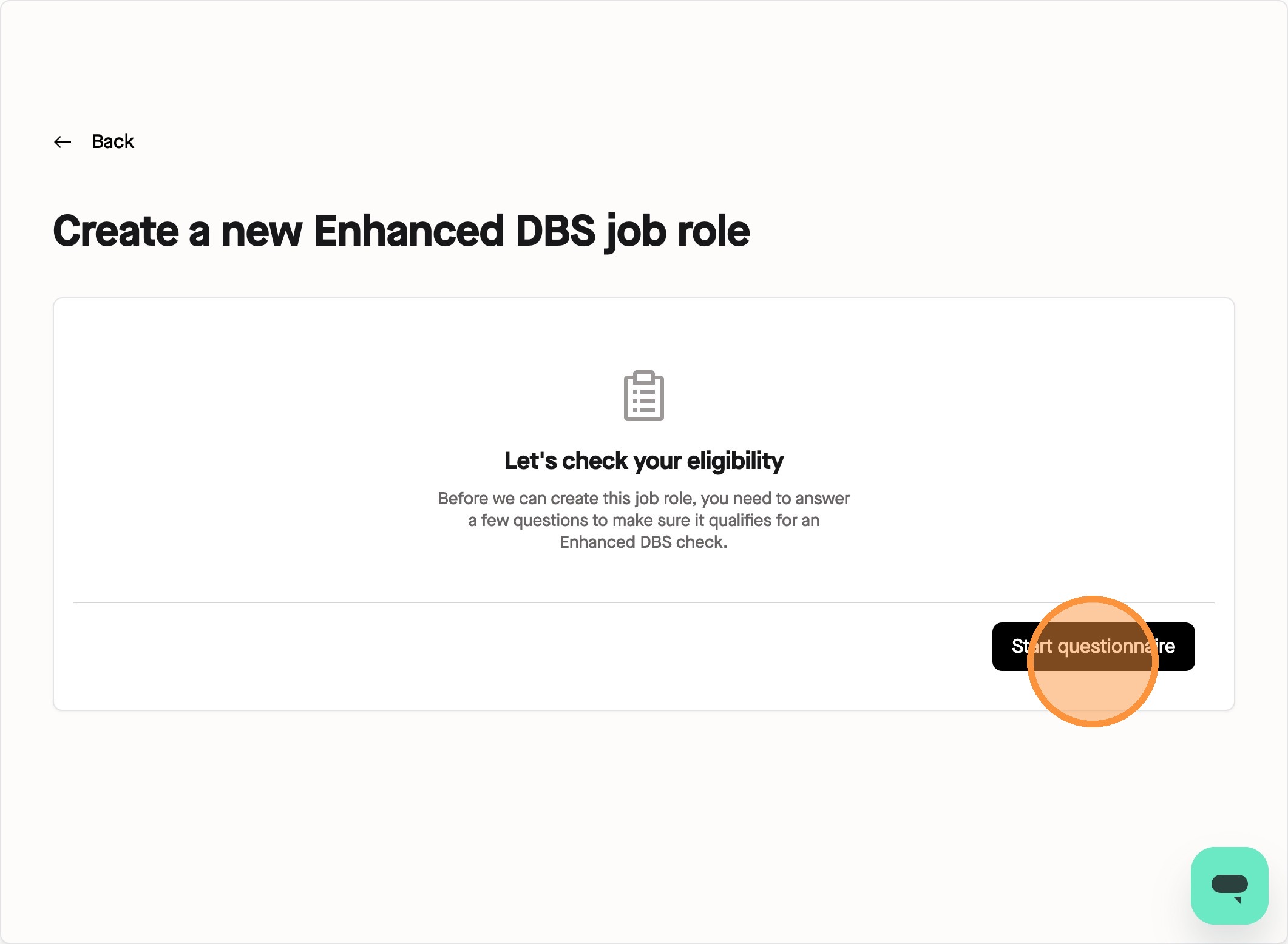
5. To add job roles into the system, you will need to complete a questionnaire.
This questionnaire is an easy way to determine your eligibility for the Enhanced DBS check for this job role with Zinc and by the end, you will receive a decision on the eligibility of this job role.
Click **Start questionnaire**.
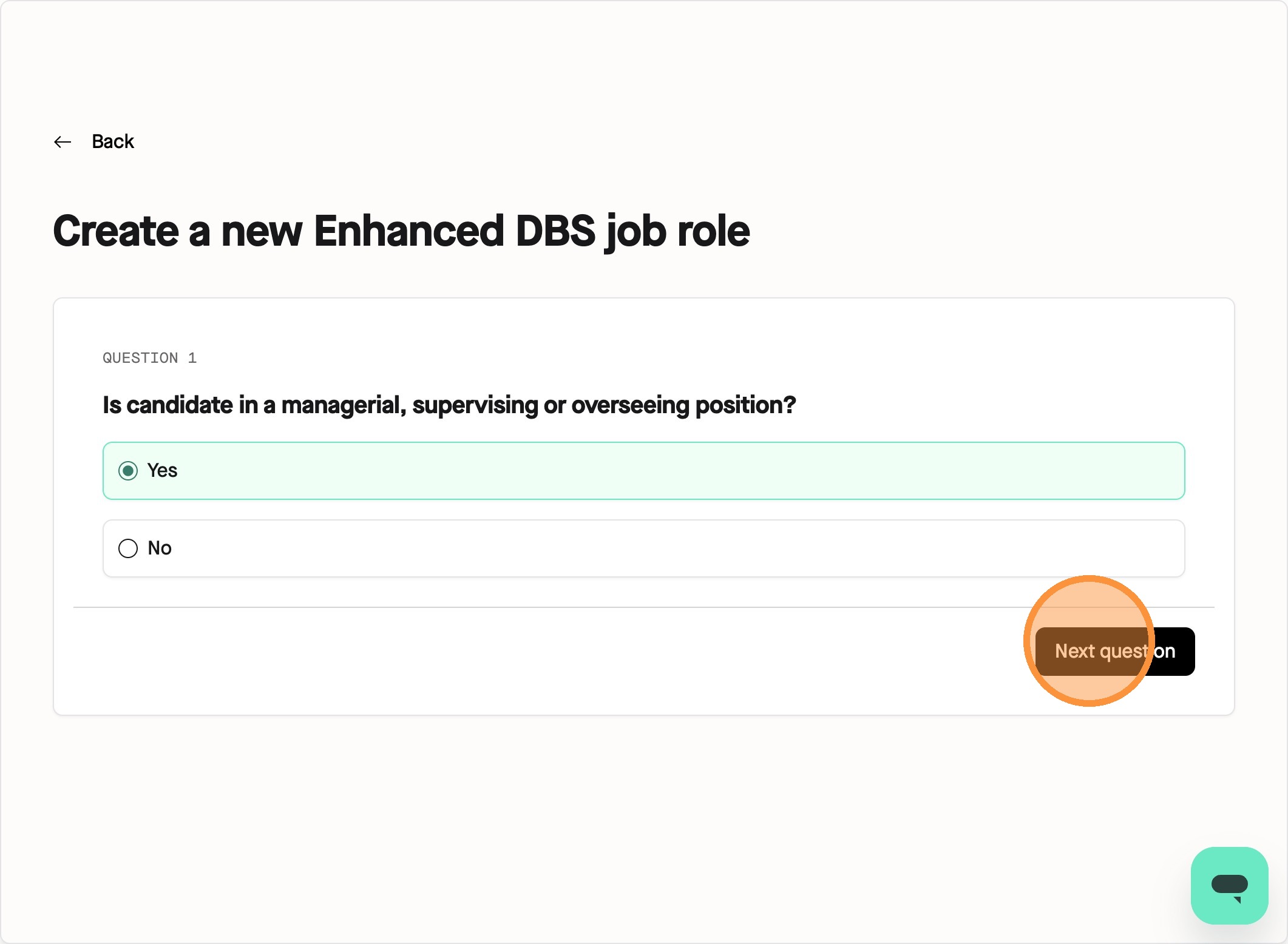
6. Depending on the role you are putting into Zinc, the questionnaire will adapt. In this example, we are inputting the role of **Nursery Manager** in the system.
As they are managing in this role, we will select **Yes**. Click **Next question** to proceed.
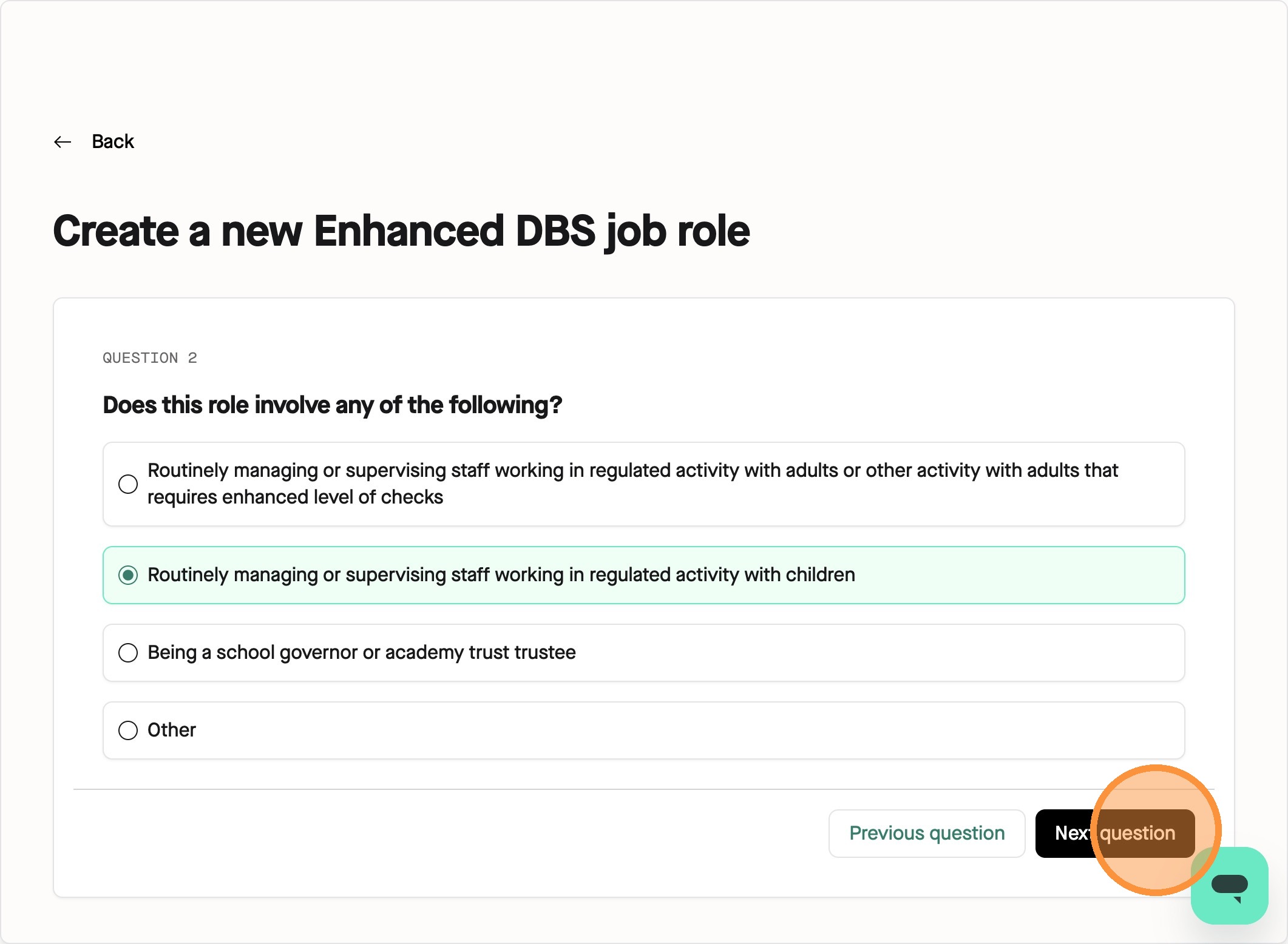
7. Next, we are asked what workforce the candidate will be working with. For our Nursery Manager role, we will click **Routinely managing or supervising staff working in regulated activity with children** as they are only working with children. Click **Next question** to continue.
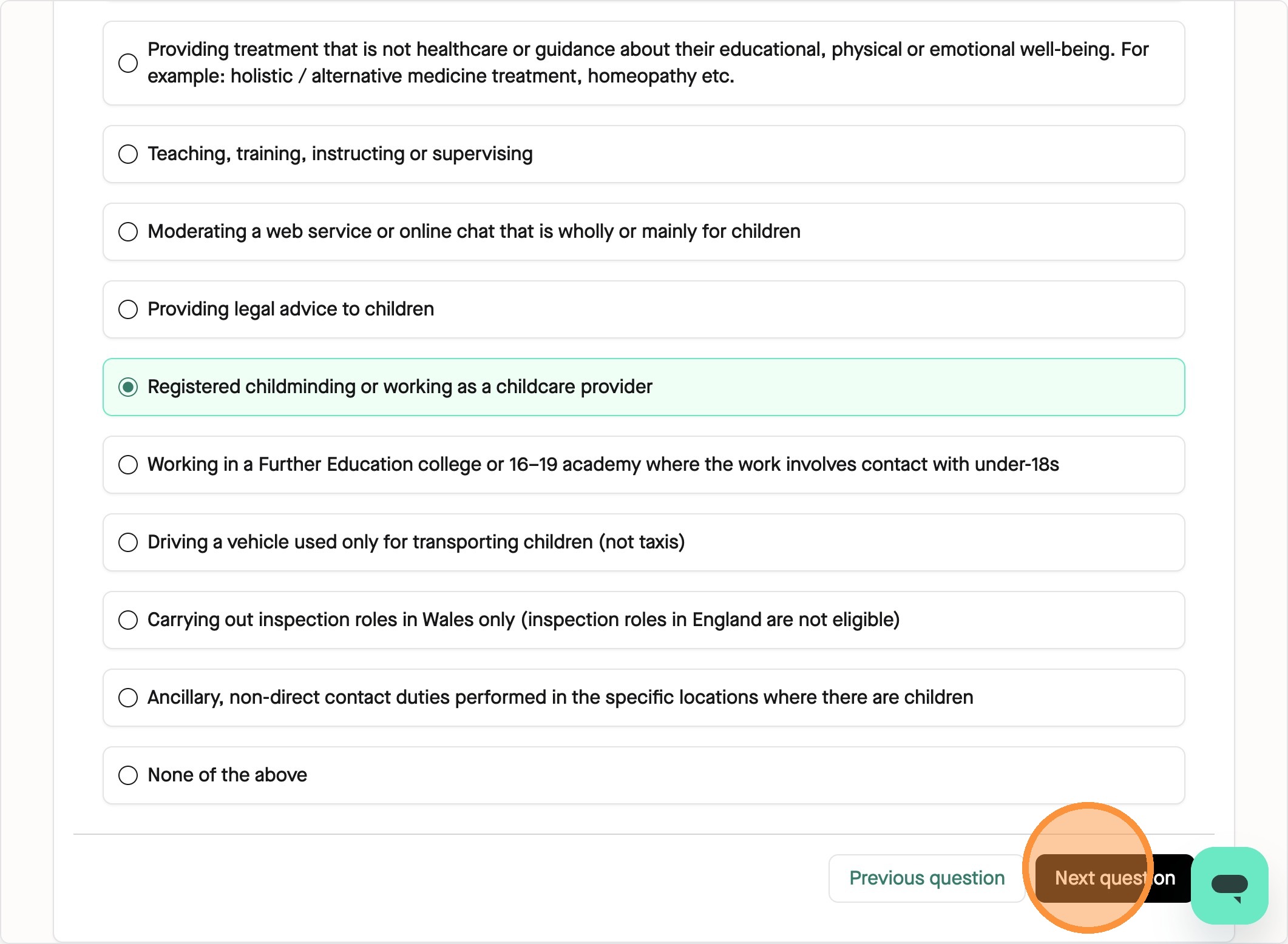
8. As they are a manager in this example role, the next question will ask what the people they are managing are doing in their role. For our Nursery Manager, we will click "Registered childminding or working as a childcare provider". Click **Next question** when finished.
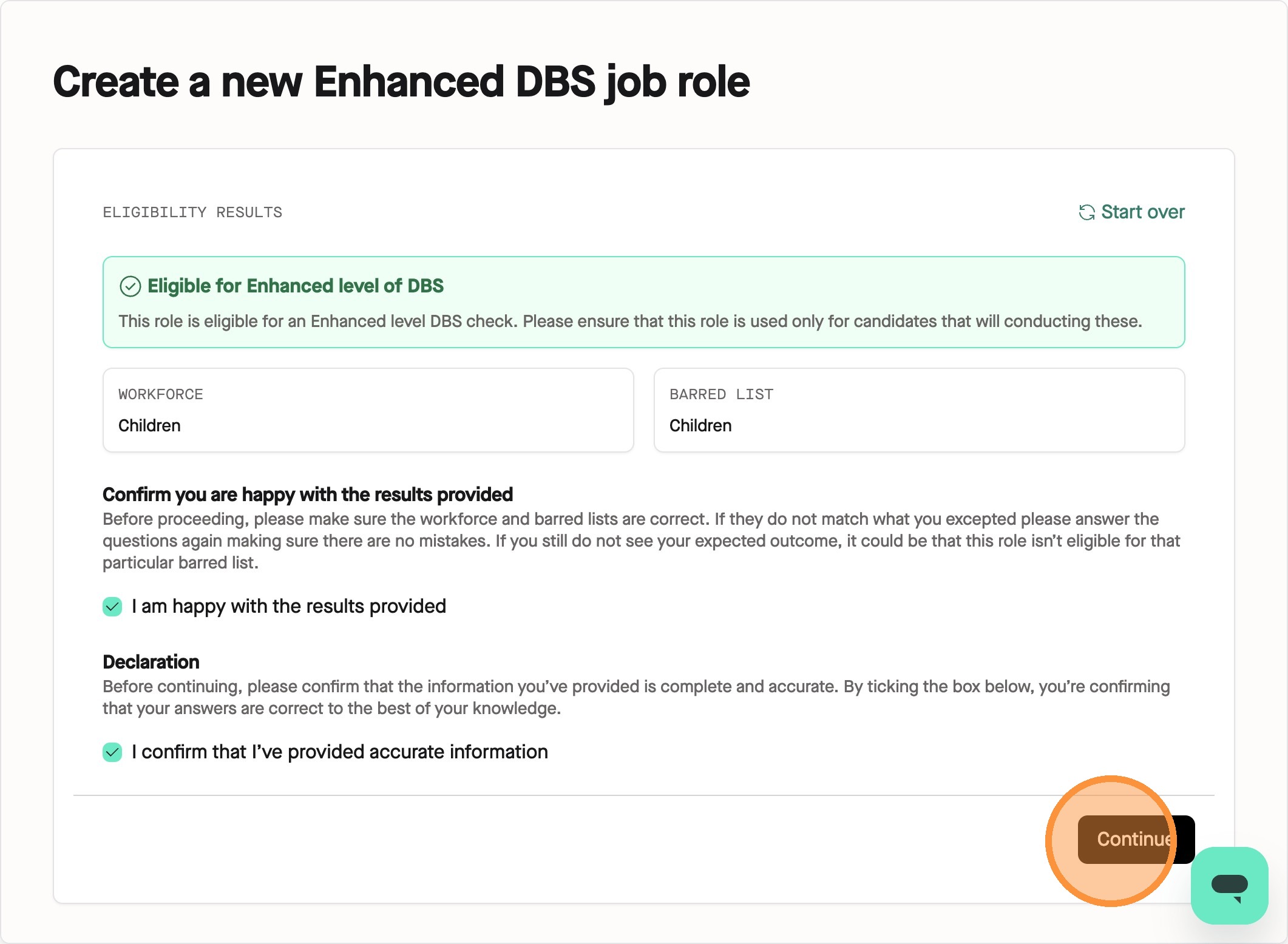
9. Once you’ve completed the questionnaire, you will be given your result of what this role is eligible for.
If approved for a workforce/barred list, this is the level of checks you will receive for this role.
Read through and check the two check boxes to confirm you’re happy with the decision and press **Continue** to move to the next step.
If the results of the questionnaire say you are ineligible for enhanced level of DBS, and you disagree with this decision, please follow our steps here for the manual review process.
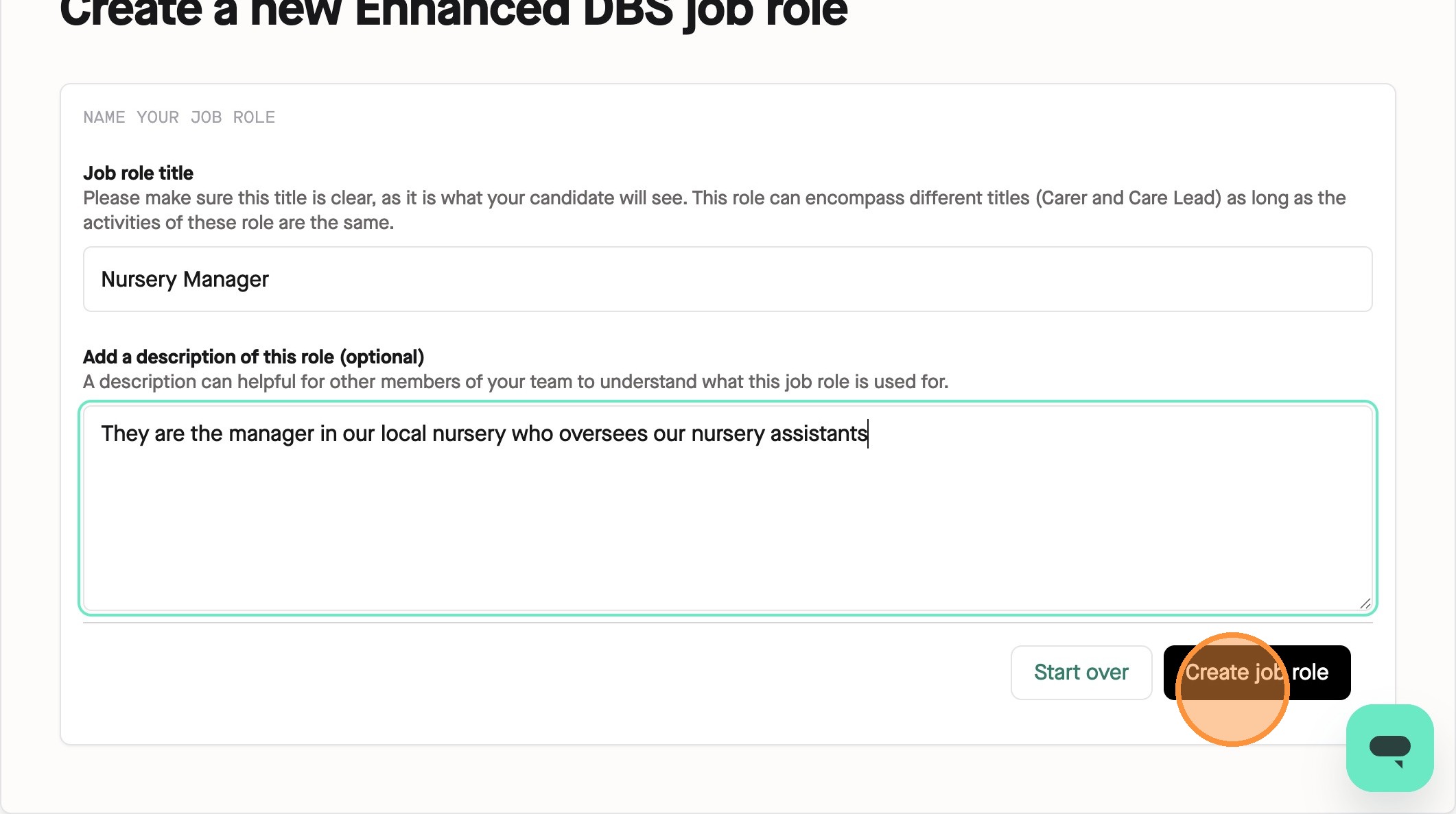
10. On the next page, you can add in your job role title which your candidate will see when they go through the DBS application process on Zinc.
You can then add a description of the role as well. Please add a job description if you can as it will help our team determine eligibility quicker. It can also be helpful for other members of your team to identify this role on Zinc. Once finished, click **Create job role**.
Congrats! You’ve made your first job role on Zinc with our new system! Repeat this process as many times as you need to and once finished, you can click here to learn how to add these to your packages.