For the complete documentation index, see llms.txt
For the complete documentation index, see llms.txt
Step-by-Step Guide to Integrating Zinc with HiBob ATS
## How to integrate Zinc with HiBob ATS
**Please note that CV checks are only available directly on Zinc. HiBob ATS cannot currently be used with packages containing CV checks.**
<iframe
src="https://www.youtube.com/embed/9VdvPhc1fLc"
width="100%"
height="400"
frameborder="0"
allow="accelerometer; autoplay; clipboard-write; encrypted-media; gyroscope; picture-in-picture"
allowfullscreen
></iframe>
### Step 1
Navigate to https://app.hibob.com/home
### Step 2
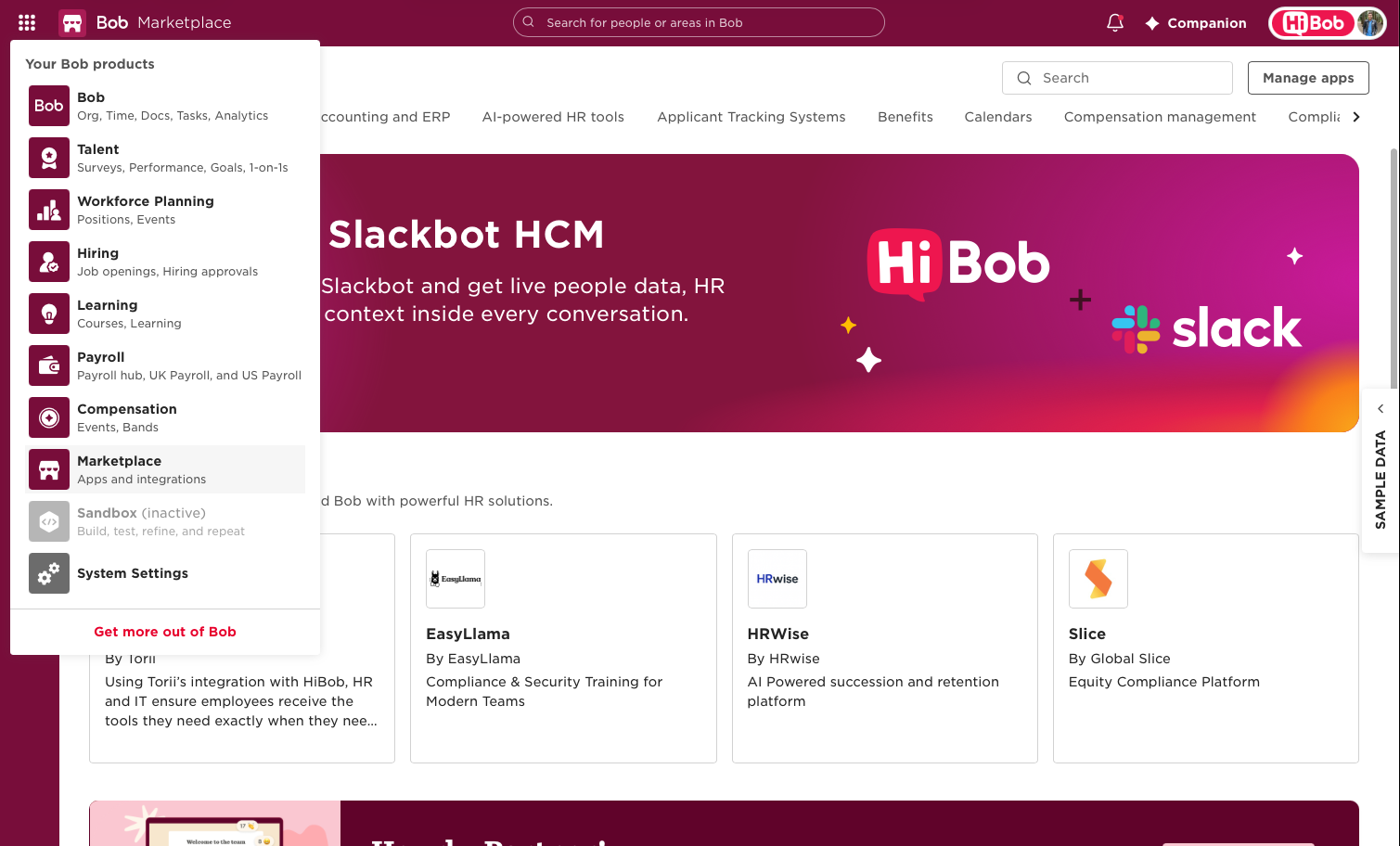
Click the 9-dot grid button in the top left corner

### Step 3
Select **Marketplace** from the list
### Step 4
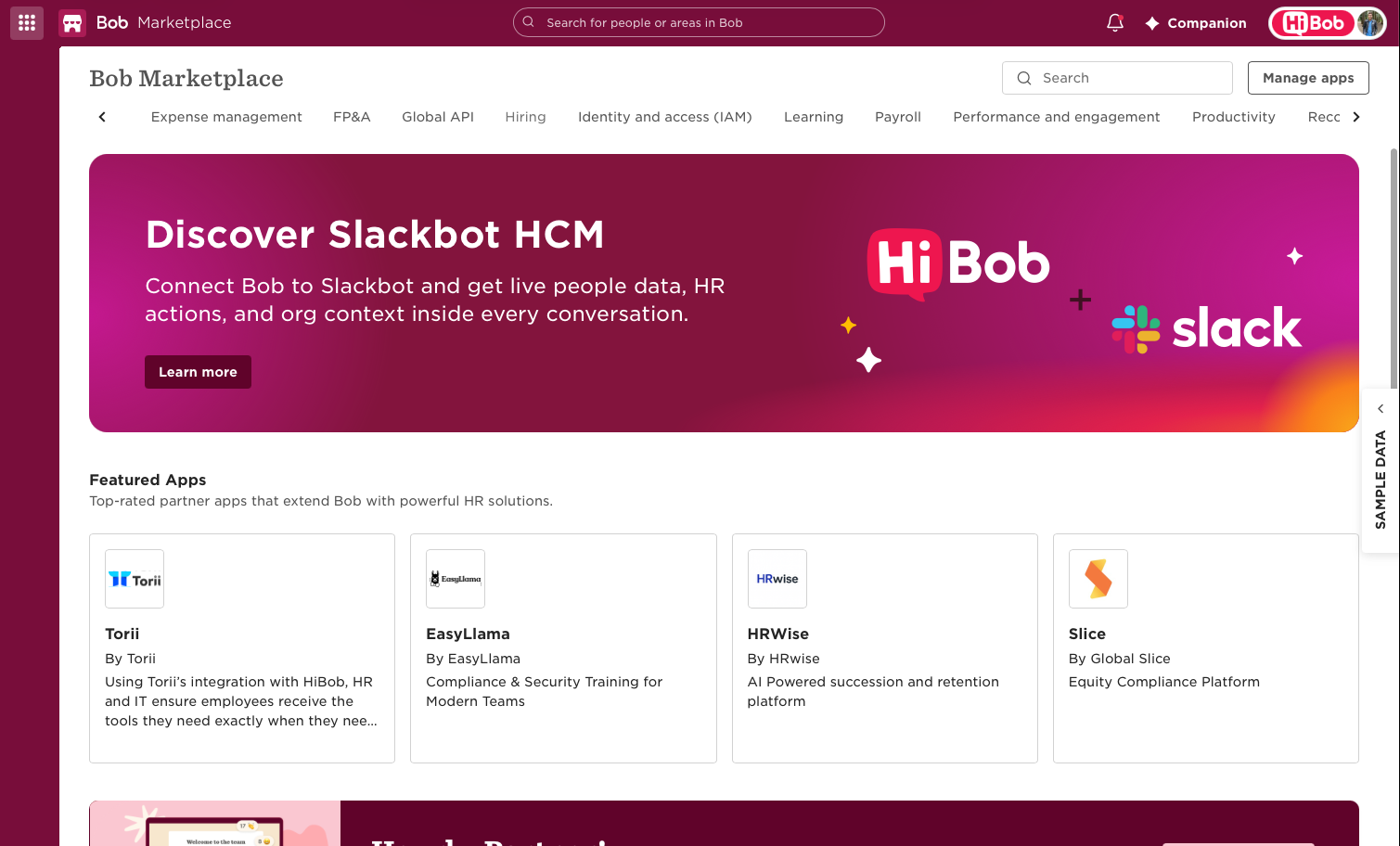
Scroll along to the top and select **Hiring**
### Step 5
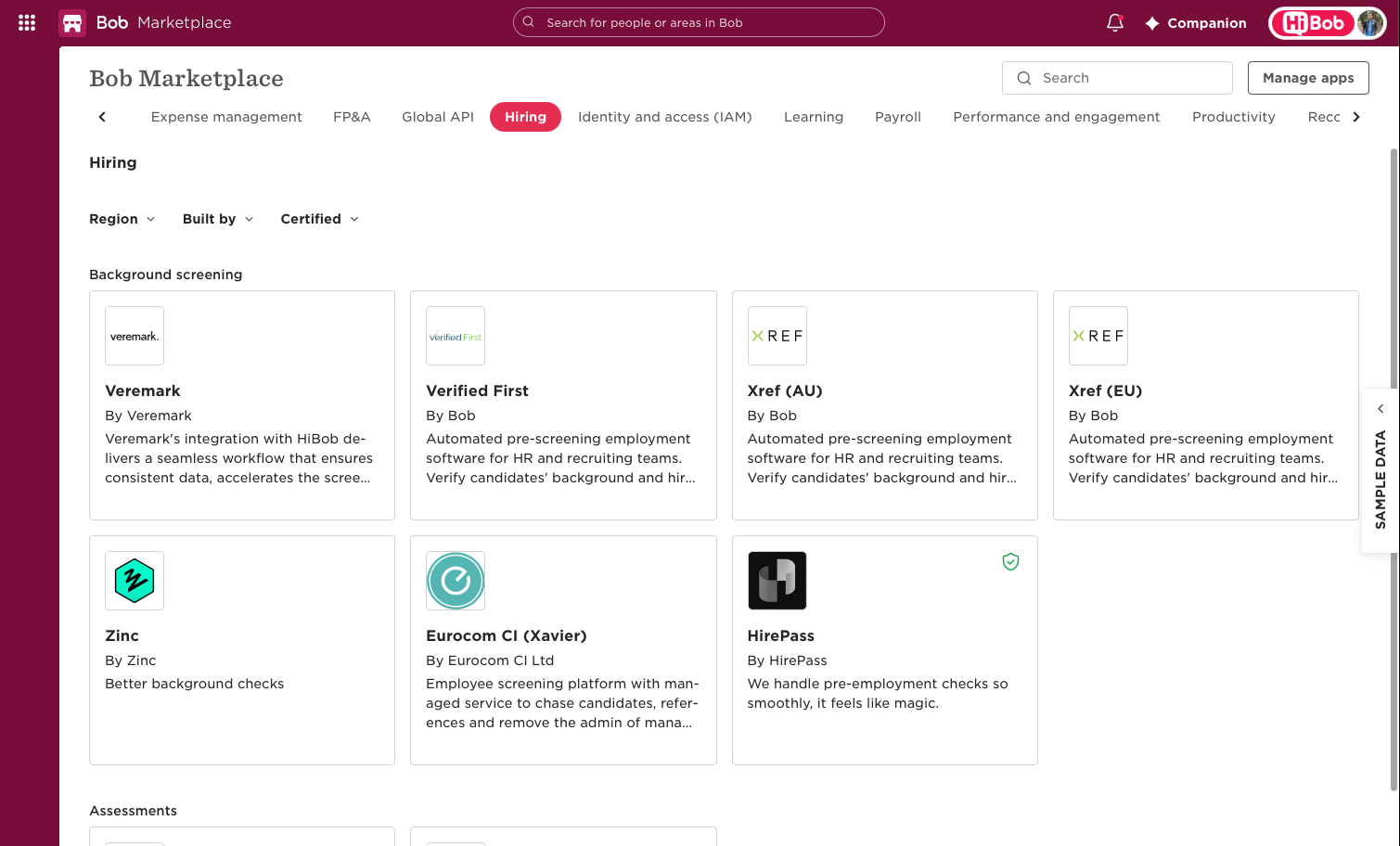
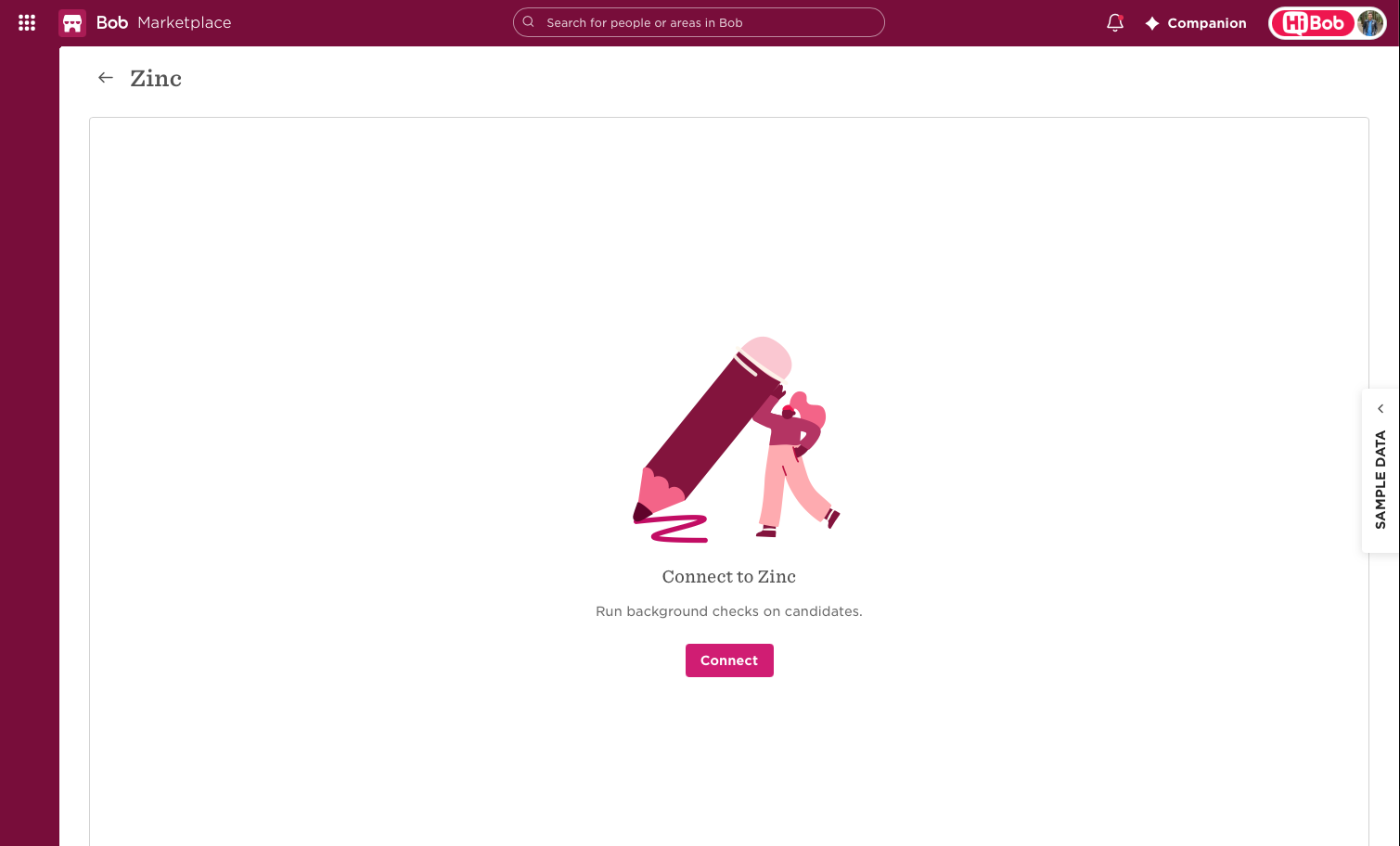
Find the Zinc icon and click it
### Step 6
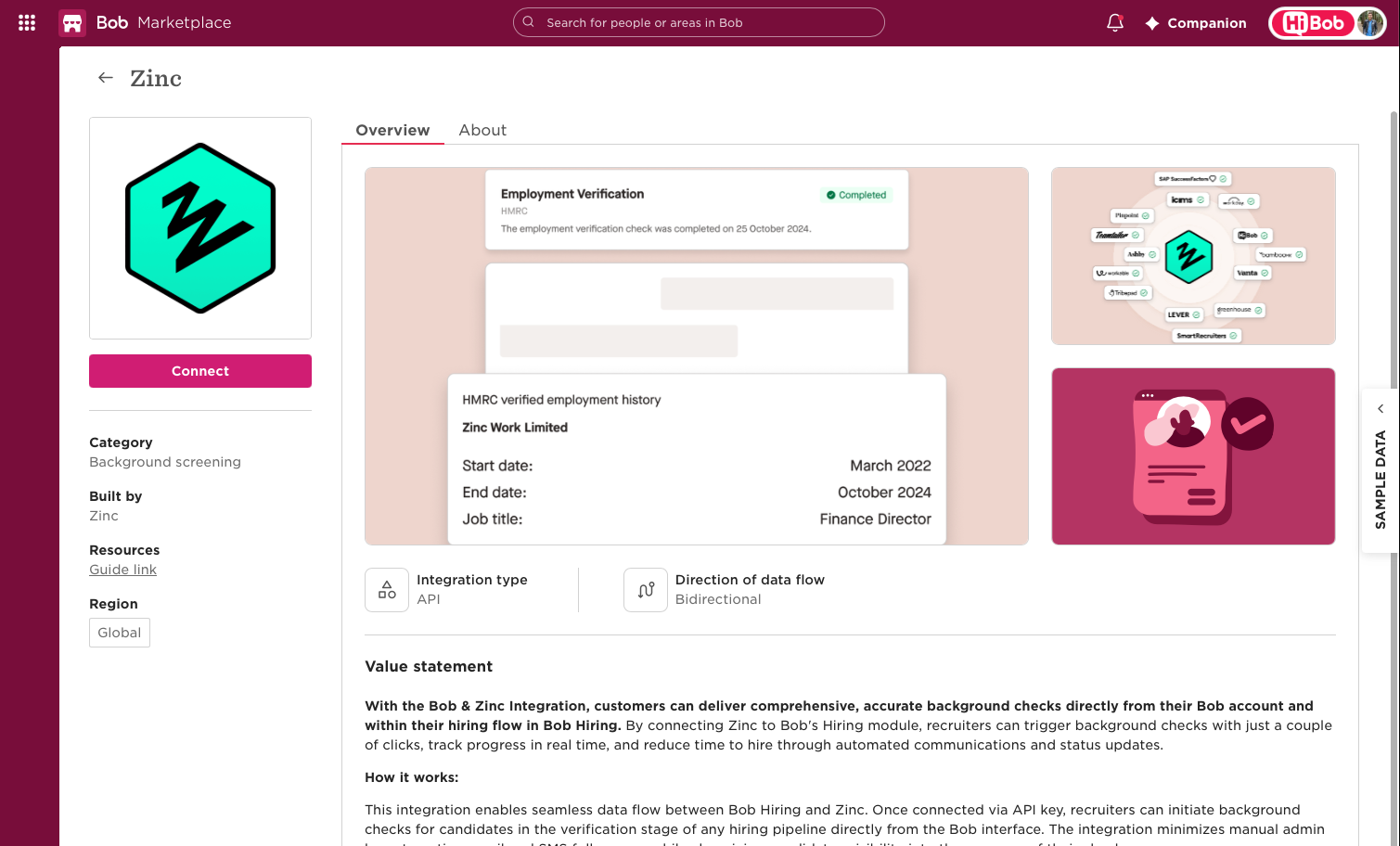
Select **Connect**
### Step 7
Select **Connect** again to confirm
---
### Step 8
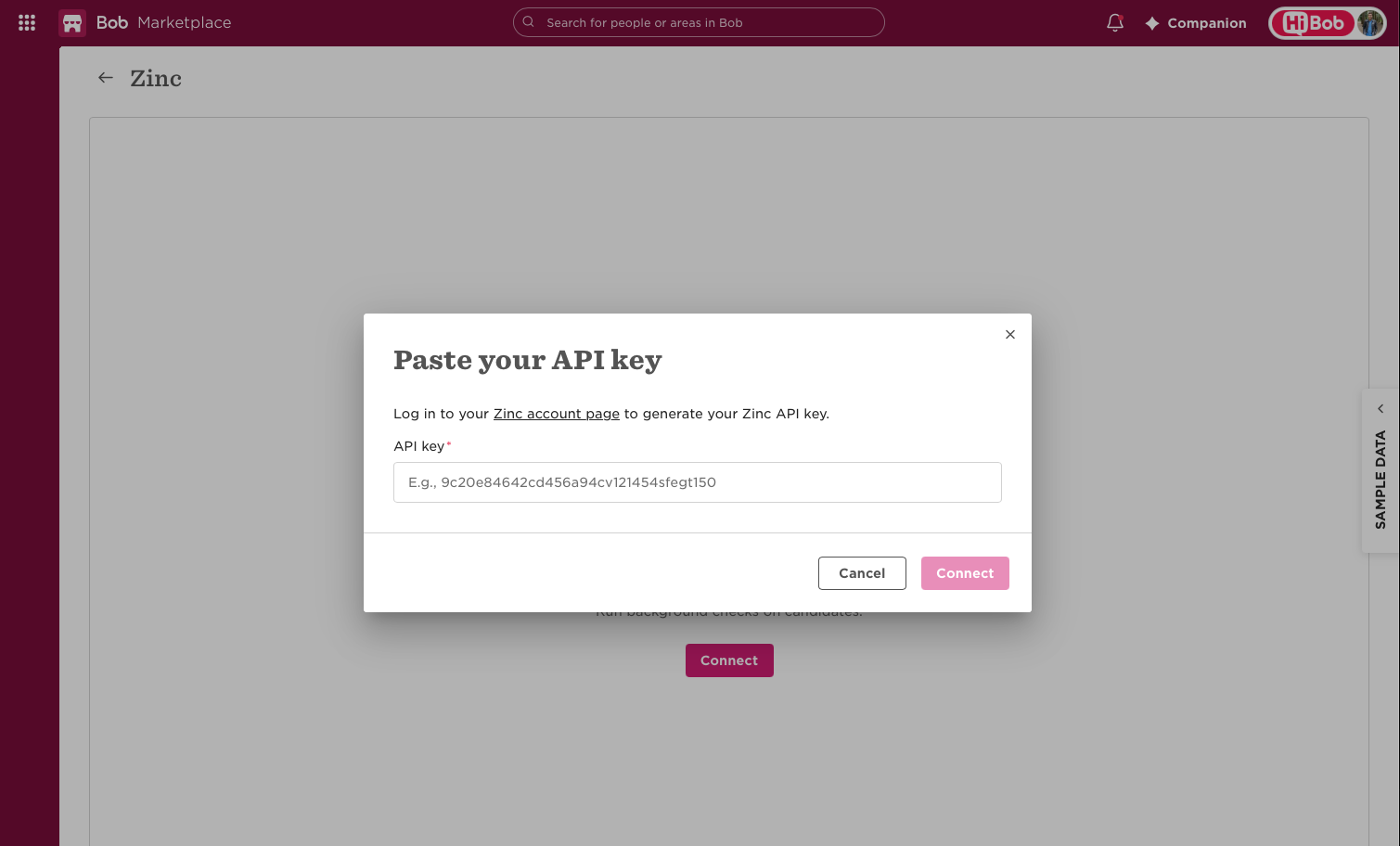
Switch to https://app.zincwork.com/company/general to find your API key under Integrations in your Company Settings
### Step 9
Click **Hibob ATS**

### Step 10
Click **Generate API Key**

### Step 11
Click **Copy**

### Step 12
Switch back to HiBob, paste your API key into the field, and click **Connect**
### Step 13
Click the 9-dot grid button in the top left corner again

### Step 14
Click **Account**

### Step 15
Click **Feature management**

### Step 16
Click to turn the **Hiring** toggle **on.** This means the Hiring feature is enabled for you to use and you will see a pop up to signify this in Hibob.

### Step 17
Click the 9-dot grid button in the top left corner again

### Step 18
Click **Hiring**

Congrats! The Hiring module and integration are now connected.
If you want to learn how to add a background check stage to Bob, click [here](https://help.zincwork.com/hc/hm54ky7yrc/article/aeaa7cc8-how-to-add-a-background-check-stage-in-hibob-ats) for more information.
## To note for this integration
- When setting up, the API key must be from the **HiBob ATS.**
- PDF reports pull into both the ATS and HRIS, so you will have two documents