For the complete documentation index, see llms.txt
For the complete documentation index, see llms.txt
Zinc
Help center
How to Delete a Job Role
Have a job role that you aren’t using anymore or made a mistake on the eligibility? Here’s a quick guide on how to delete a job role.
1. Navigate to https://app.zincwork.com/recruit
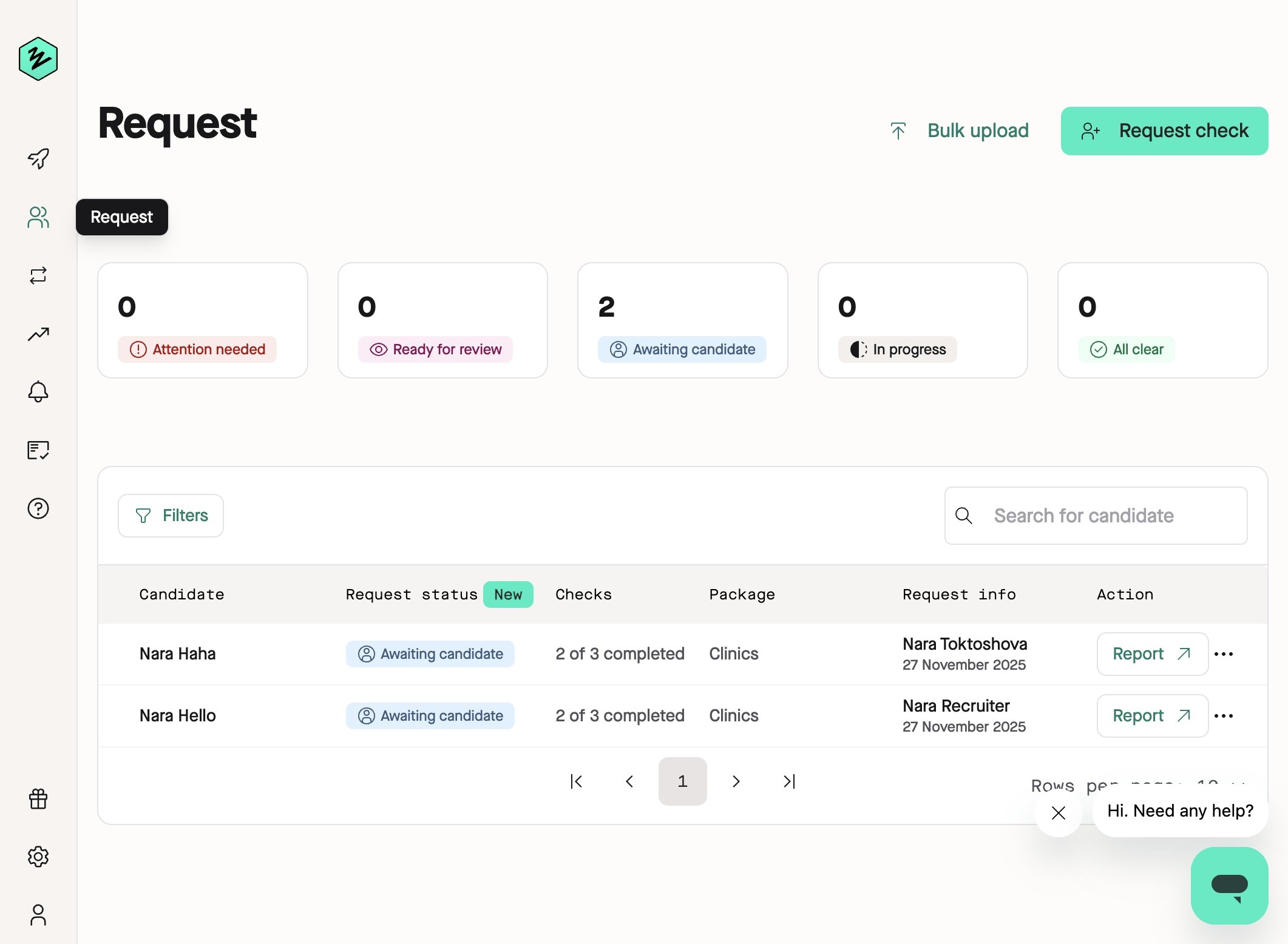
2. Click the cog icon in the lower left hand corner labeled **Company Settings**.
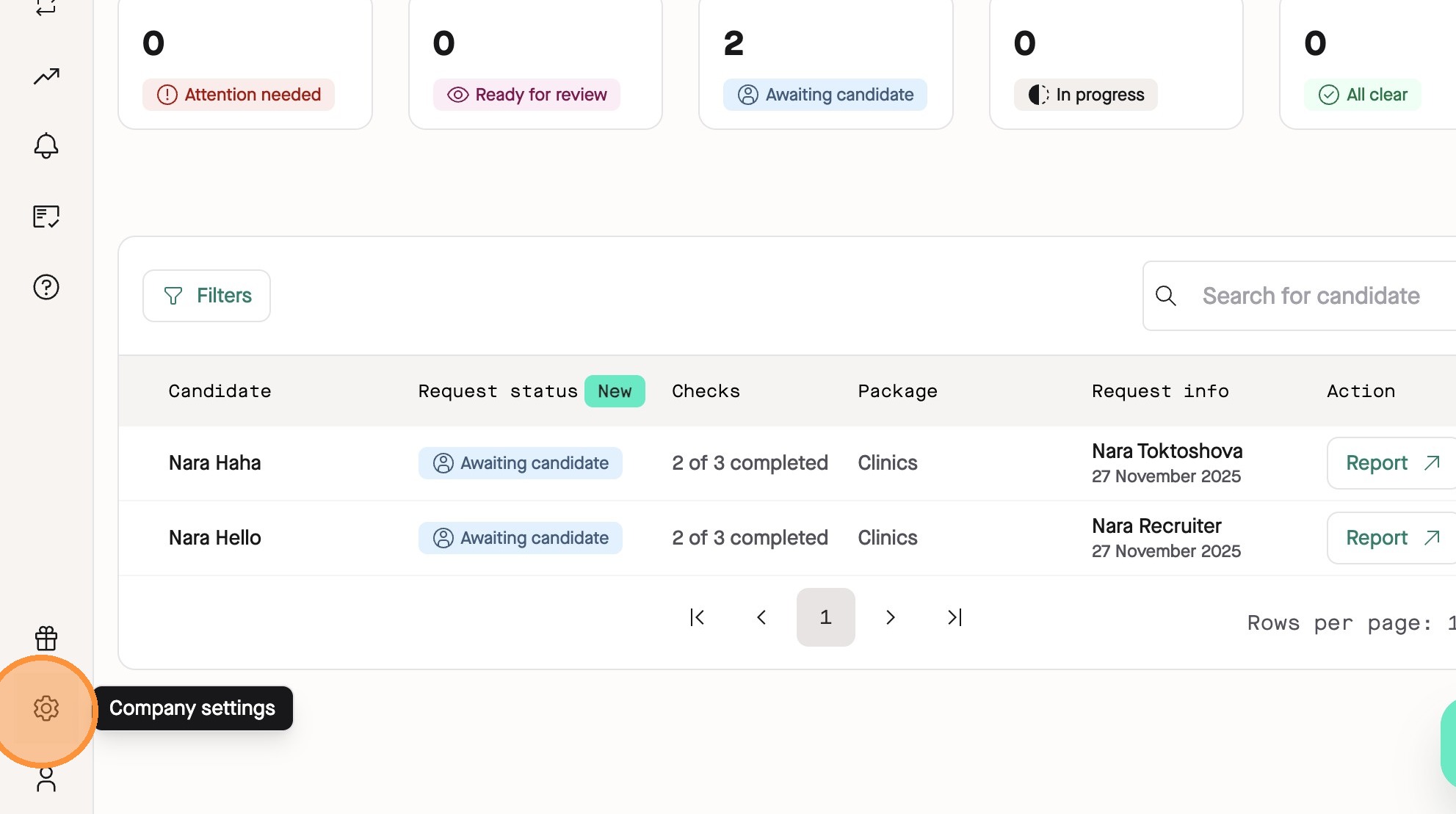
3. Click the **DBS Job Roles** tab in the Company page.
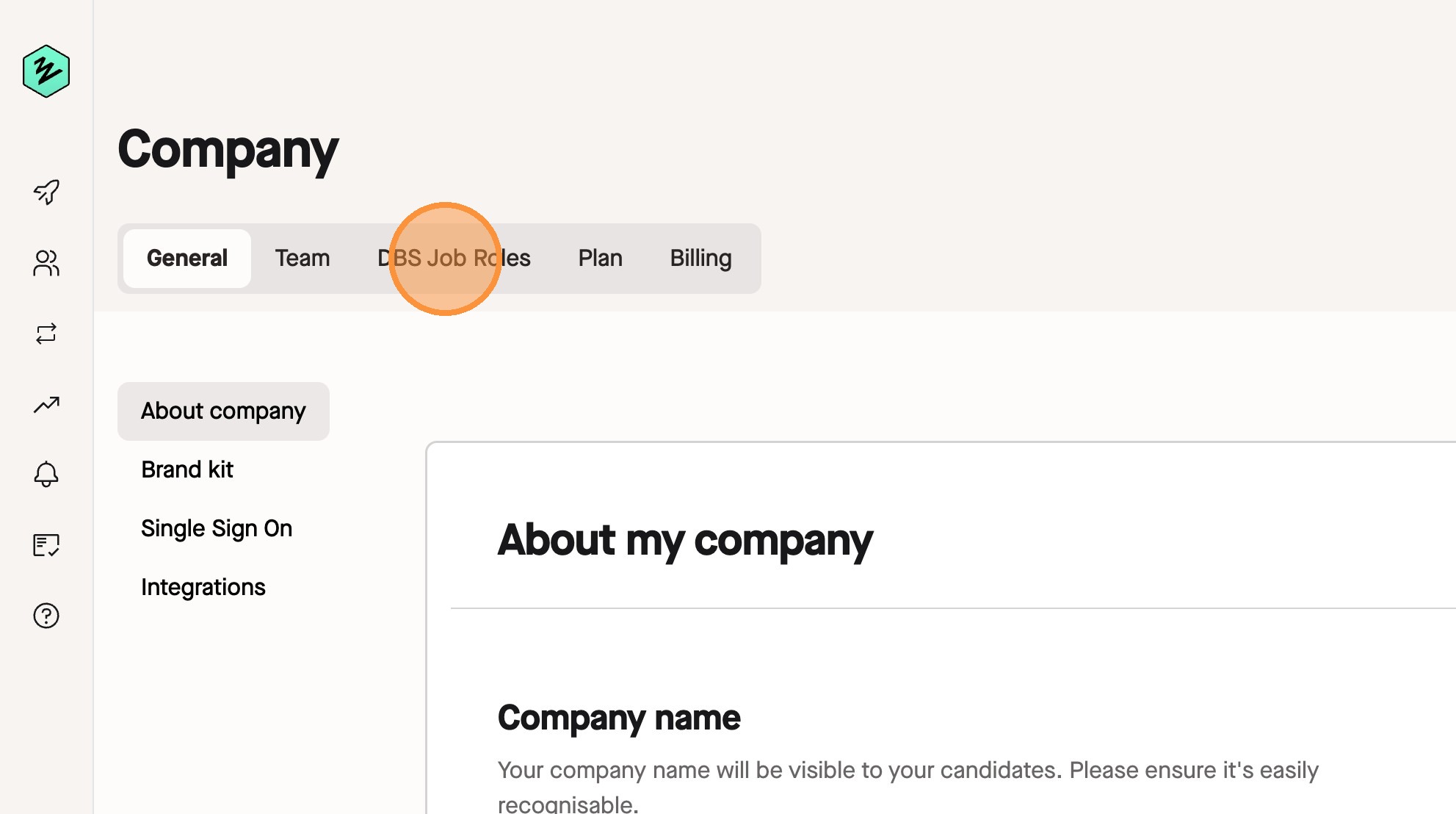
4. Find your job role you want to delete on your list and click the **…** icon on the right side of the row.

5. Click **Delete job role** and on the pop-up that appears, click **Yes, delete role**
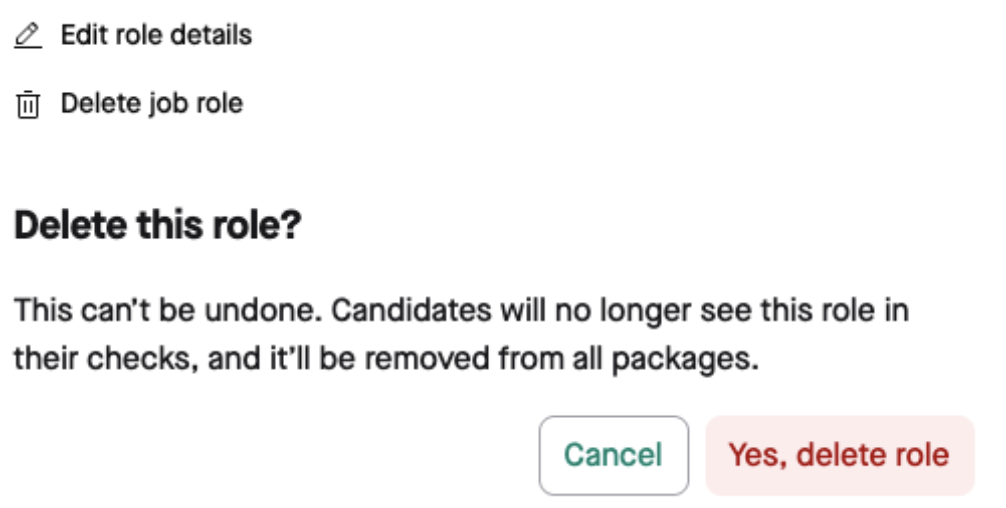
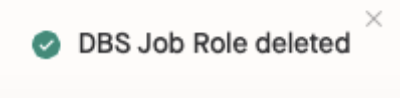
This role is now deleted and you will see a notification of this action at the bottom of the page.
## What happens to the checks that were previously completed with this job role?
These checks will still retain the role information, and it will not be deleted from those records. The deletion change only affects any checks going **forward**, i.e. the candidate will not see this job role to select from when completing their enhanced DBS check once deleted.