For the complete documentation index, see llms.txt
For the complete documentation index, see llms.txt
How to Switch from Card Payments to Invoicing in Zinc
If you'd rather pay by invoice than have your card charged automatically, here's how to make the switch.
## How Card Payments and Invoicing Work
If you have a card stored in your Customer Portal, we charge that card automatically whenever an invoice is due. Removing the stored card is what switches you over to invoicing — once there's no card on file, we have no way to take payment automatically, so we'll send invoices with your agreed payment terms for you to pay manually instead.
## Removing Your Card to Switch to Invoicing
1. Log in to your [Customer Portal](https://billing.stripe.com/p/login/28ofZe8ca1UW14A3cc) using the email address that first created your Zinc company account, or the email used to set up your payment method. For the full steps on accessing the portal, see [How to Update Billing Information and Payment Method](https://help.zincwork.com/hc/hm54ky7yrc/article/e7cc5cee-how-to-update-billing-information-and-payment-method).
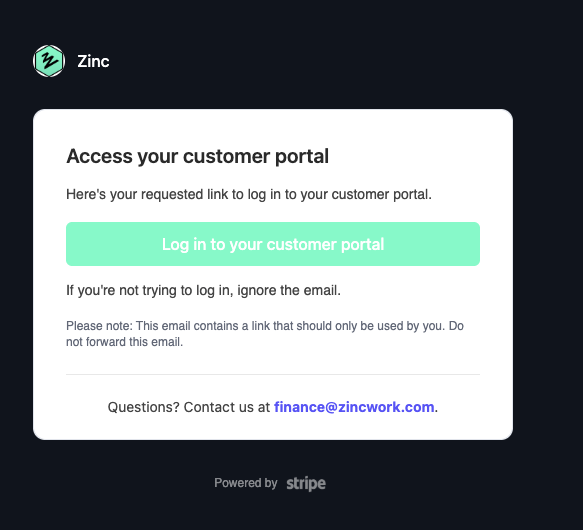
2. Go to the **Add Payment Method** section.
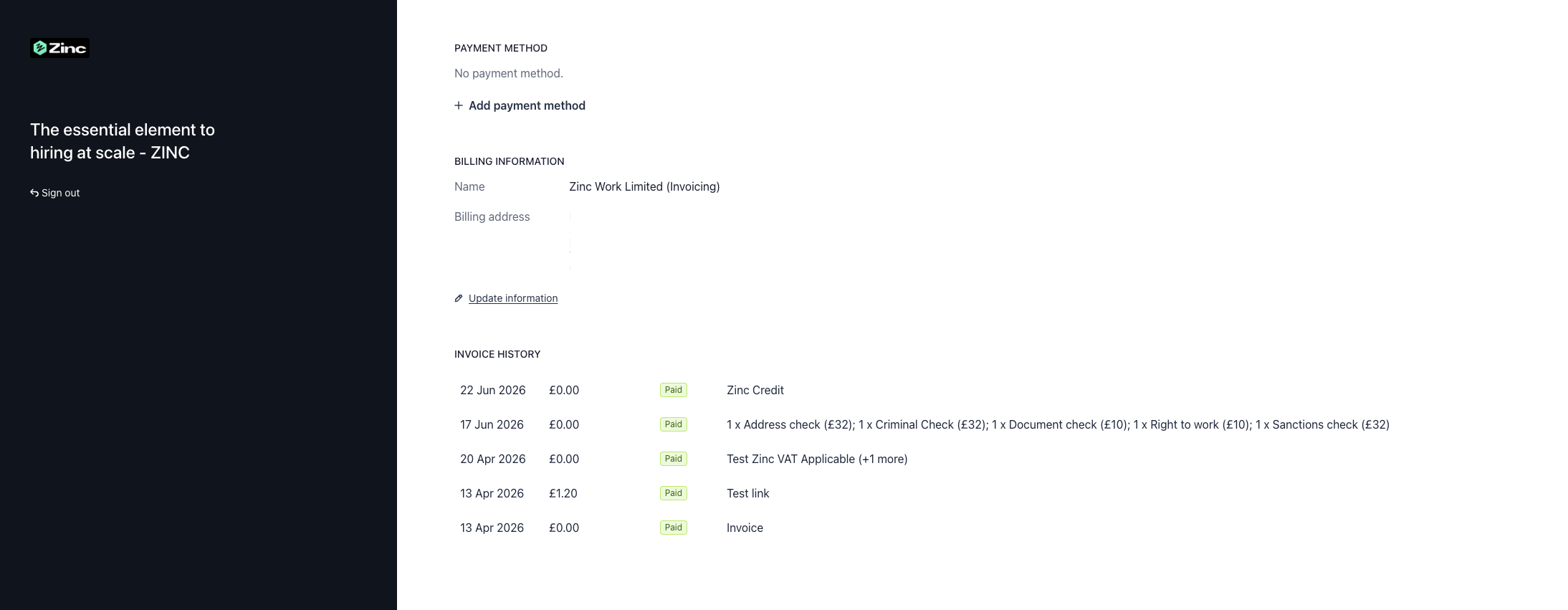
3. Remove the card stored on your account.
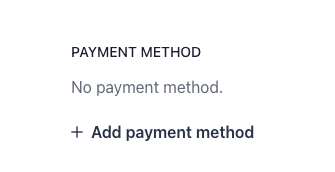
Once the card is removed, no further action is needed — your account will automatically move to invoicing from that point on.
### What if I want to go back to card payments?
Add a new card in the same **Add Payment Method** section. Once a card is stored again, we'll resume charging it automatically when invoices are due.
## Need Help?
If you've left the company that set up your billing, or you're having trouble accessing the portal, contact our Account Management team at [accountmanagement@zincwork.com](mailto:accountmanagement@zincwork.com) and they can help directly.
For more on where your invoices go and how to view past ones, see [Where Are My Invoices Sent?](https://help.zincwork.com/hc/hm54ky7yrc/article/344594b3-where-are-my-invoices-sent) and [How to View and Download Your Previous Invoices](https://help.zincwork.com/hc/hm54ky7yrc/article/1597df34-how-to-view-and-download-your-previous-invoices).